LibraryDocsPricingHome
  • App shell
  • Dashboard overview
  • Sign in
  • Sign up
  • Onboarding checklist
  • Settings layout
  • Profile settings
  • Danger zone
  • Data table
  • Empty states
  • Analytics reportPro
  • Setup wizardPro
  • Invite teammatesPro
  • Notification preferencesPro
  • SecurityPro
  • IntegrationsPro
  • Plan pickerPro
  • Usage and limitsPro
  • Invoice historyPro
  • Payment methodsPro
  • Cancel flowPro
  • Members tablePro
  • Roles and permissionsPro
  • Audit logPro
  • Record detailPro
  • Database viewPro
  • Kanban boardPro
  • CSV importPro
  • Calendar and schedulePro
  • Notification centerPro
  • Activity feedPro
  • Home with agentsPro
  • Agent chatPro
  • Agent side panelPro
  • Approvals inboxPro
  • Agents directoryPro
  • Agent settingsPro
  • Agent run detailPro
  • Bulk change reviewPro
  • Agent monitor
  • Alert
  • App logo
  • Avatar
  • Badge
  • Breadcrumb
  • Button
  • Card
  • Checkbox
  • Command menu
  • Compact breakdown
  • Connection access row
  • Date picker
  • Date range picker
  • Dialog
  • Dropdown menu
  • Dropzone
  • Empty state
  • Field
  • Field suggestion
  • Filter menu
  • Input
  • KPI chart
  • Kbd
  • OTP input
  • Pagination
  • Popover
  • Profile menu
  • Progress
  • Radio group
  • Running now
  • Segmented control
  • Select
  • Separator
  • Setup guide
  • Sidebar
  • Skeleton
  • Spinner
  • Stepper form
  • Switch
  • Table
  • Tag input
  • Textarea
  • Time picker
  • Toast
  • Toggle group
  • Tooltip
  • Usage meter
  • Billing schedulePro
  • Breakdown chartPro
  • Comment threadPro
  • Integration pickerPro
  • Integration settingsPro
  • AI answerPro
  • Approval cardPro
  • Attachment chipPro
  • Chat composerPro
  • Code blockPro
  • Inline diffPro
  • Message actionsPro
  • Model pickerPro
  • Suggestion chipsPro
  • Thinking loaderPro
  • Thinking statePro
  • Tool call cardPro
  • User messagePro
  • Agent checkpointsPro
  • Agent fleetPro
  • Agent inboxPro
  • Agent lanesPro
  • Agent trailPro
  • Approval that escalatesPro
  • Autonomy dialPro
  • Away summaryPro
  • Bulk change reviewPro
  • Context windowPro
  • Decision cardPro
  • Delegate fieldPro
  • Diff timelinePro
  • Escalation rulesPro
  • Guidance layersPro
  • Memory panelPro
  • Memory suggestionPro
  • Promote to recurringPro
  • Resource access pickerPro
  • Run log with undoPro
Sign inGet Pro
ScreensStatesEmpty states

Empty states

Free

First run, no results, error and no permission, each with its own way out.

$
Sign in
Sign in to copy

Installation

Free account, sign in to read

Props

Free account, sign in to read

Usage

Free account, sign in to read
Data tableAnalytics report

More in States

StatesPro
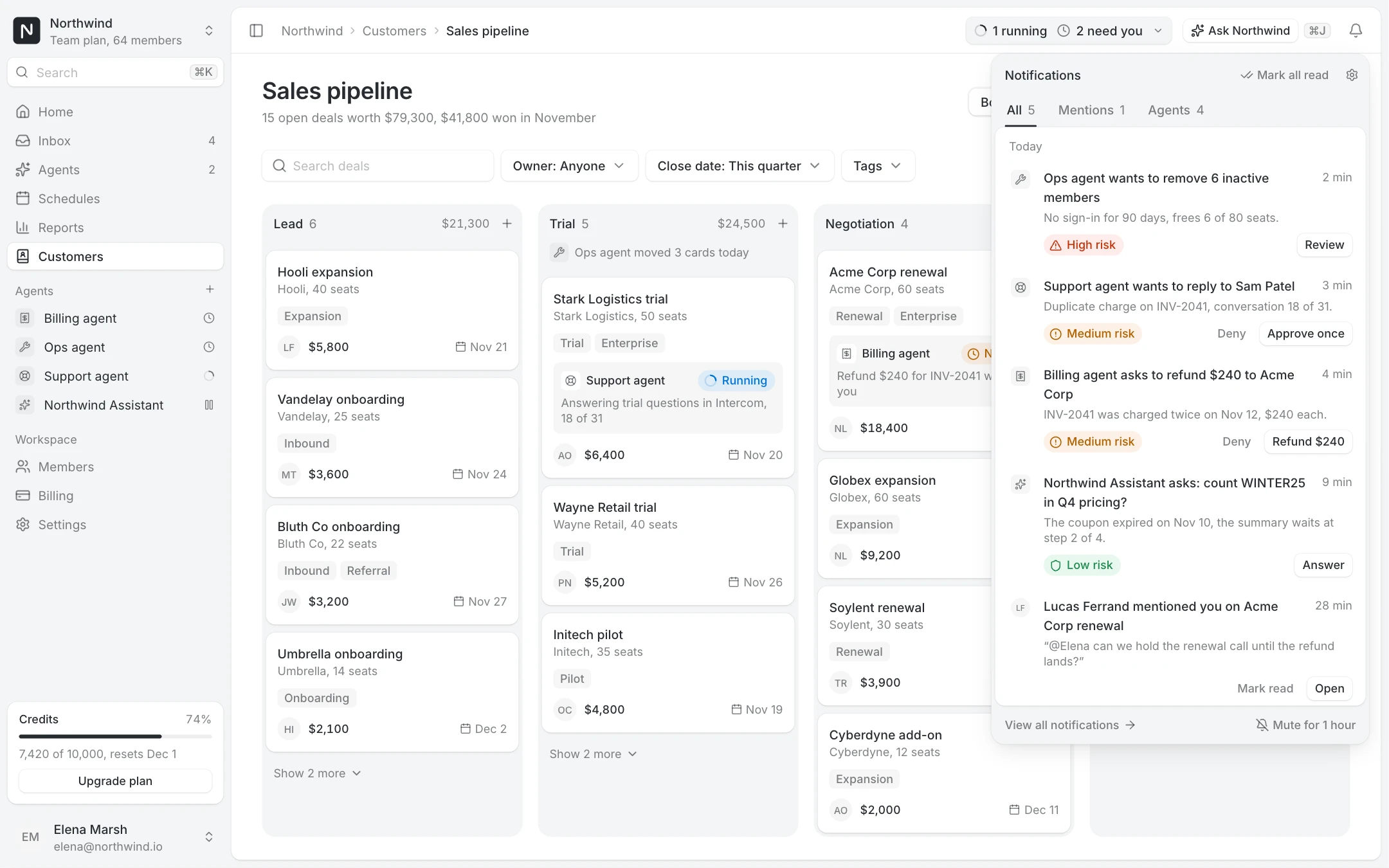
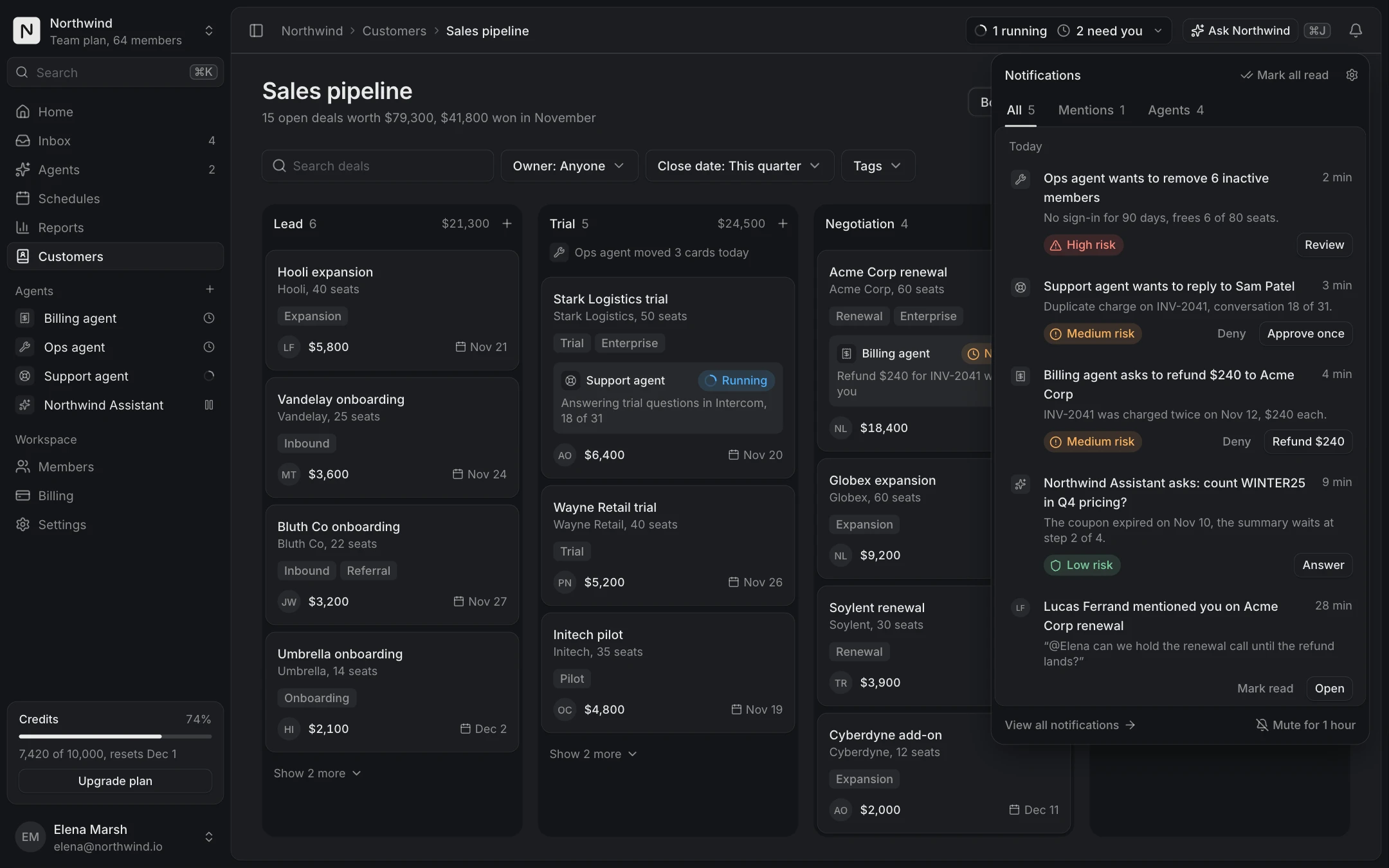
Notification center

A bell popover and a full page with tabs, inline actions and agent approvals.
Pro, unlock to copy
StatesPro
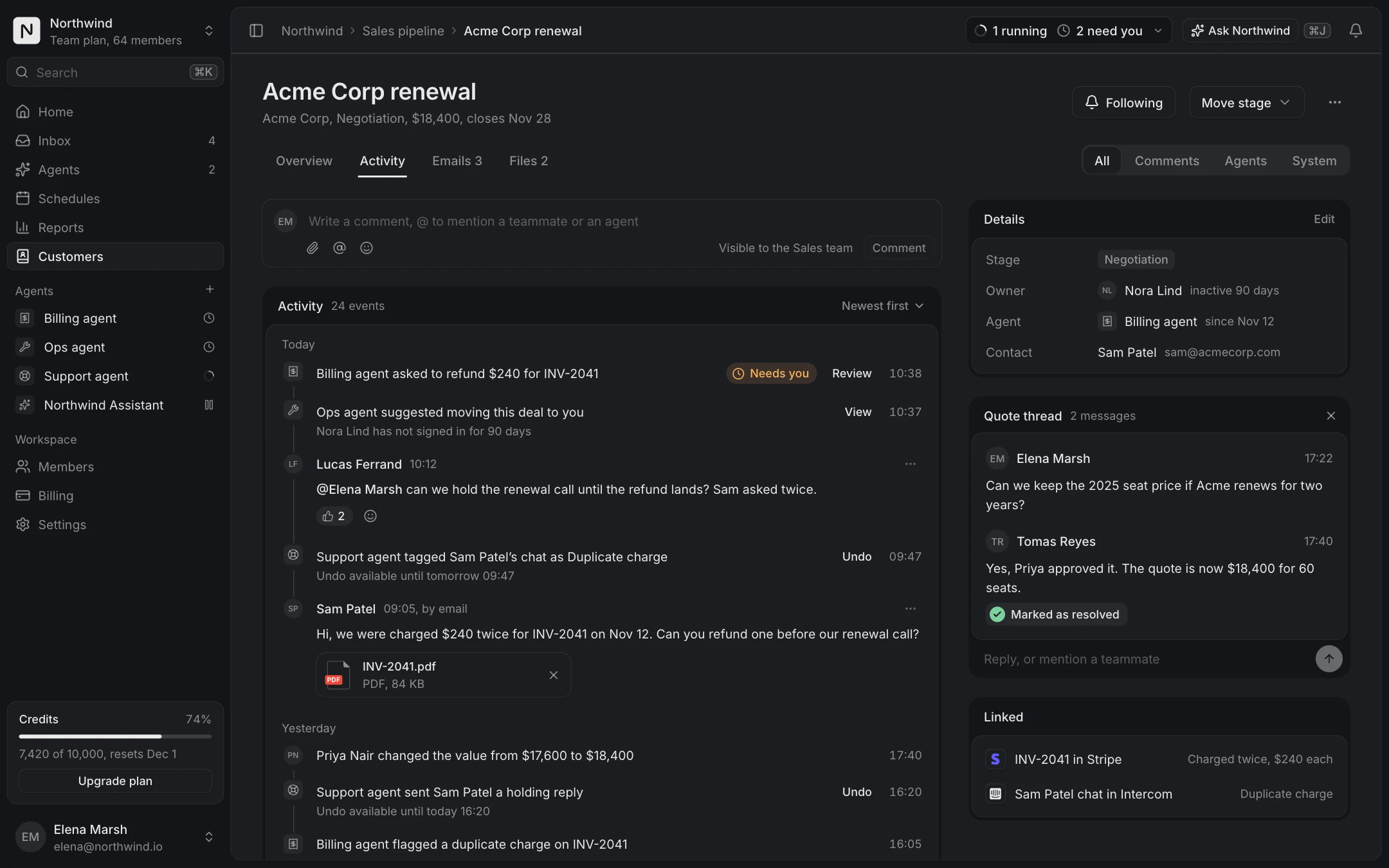
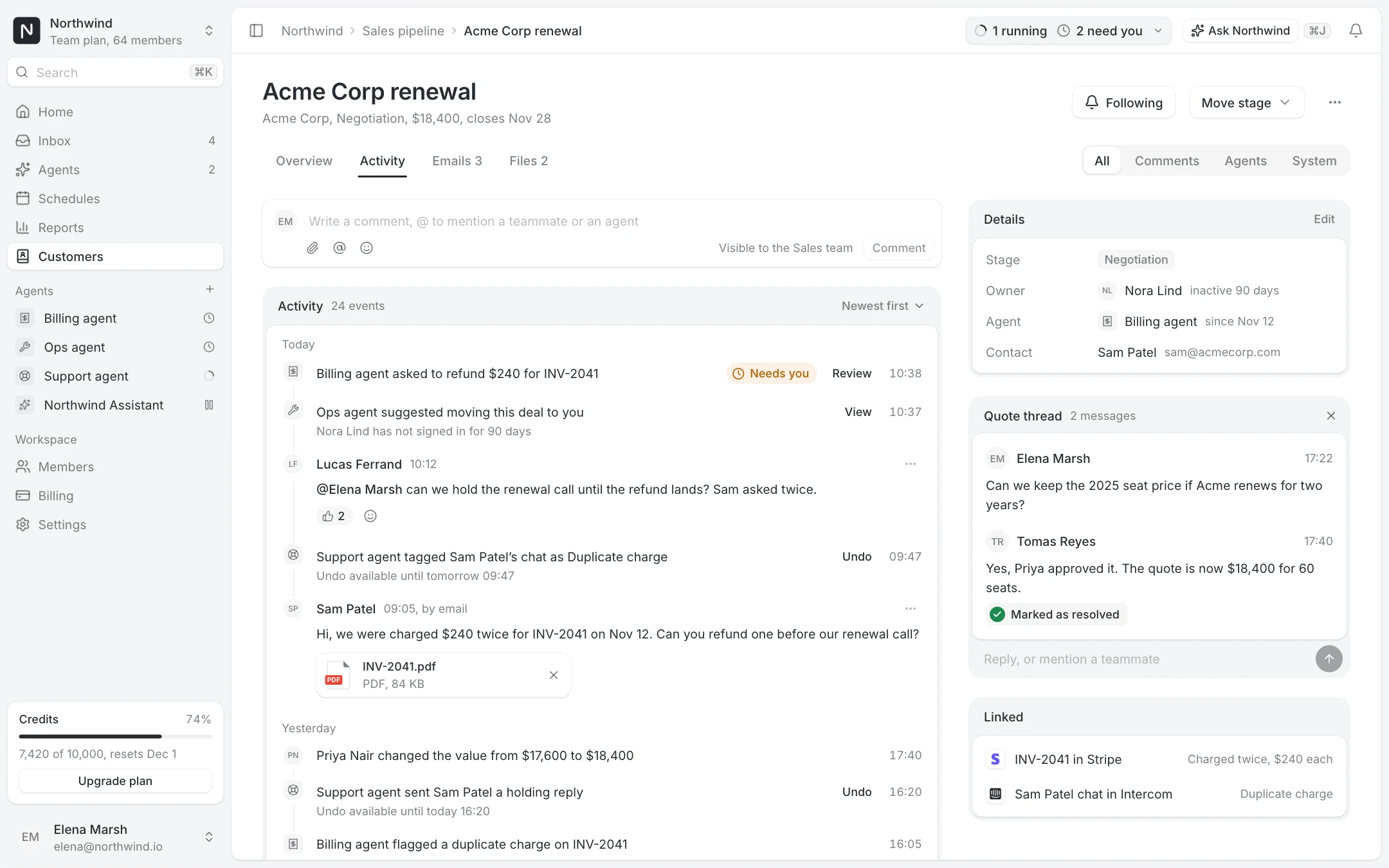
Activity feed

Comments, emails, system and agent events with undo, and a details rail.

Pro, unlock to copy

Schedules

No schedules yet

Schedules run your jobs at a set time. Create the first one to get started.

Start from a template3 templates
  • Daily digestEvery day at 9:00
  • Weekly reportEvery Friday at 9:00
  • Invoice remindersOn the 1st of each month
Templates can be edited before the first run

Examples

No results

The search found nothing: say what was searched, offer Clear search and the close matches.

Schedules

No results for "invoce"

Check the spelling or clear the search to see every schedule.

Close matches2 of 12 schedules
  • Invoice remindersOn the 1st of each month, last run Nov 1
  • Invoice exportEvery Friday at 18:00, last run Nov 6
Searched the names and descriptions of 12 schedules

Error

The list could not load: reassure, retry, and show what failed so support can help.

Schedules

Schedules could not load

The request failed. Your schedules are safe and still running.

What failedToday at 10:52
Request
GET /v1/schedules
Status
503 Service unavailable
Attempts
3, last one 20 seconds ago
Request ID
req_8f2c41d7
Next automatic retry in 30 seconds

No permission

The member lacks the role: request access, or ask one of the people who can grant it.

Schedules

You do not have access to schedules

Ask a workspace admin for the Editor role to see and edit them.

Who can grant accessOwner and 6 admins, most active first
  • EM
    Elena MarshOwner, active 2 min ago
  • TR
    Tomas ReyesAdmin, active 1 hour ago
  • AO
    Amara OkaforAdmin, active yesterday
Signed in as lucas@northwind.io, Member role