Start with the shell, then add pages
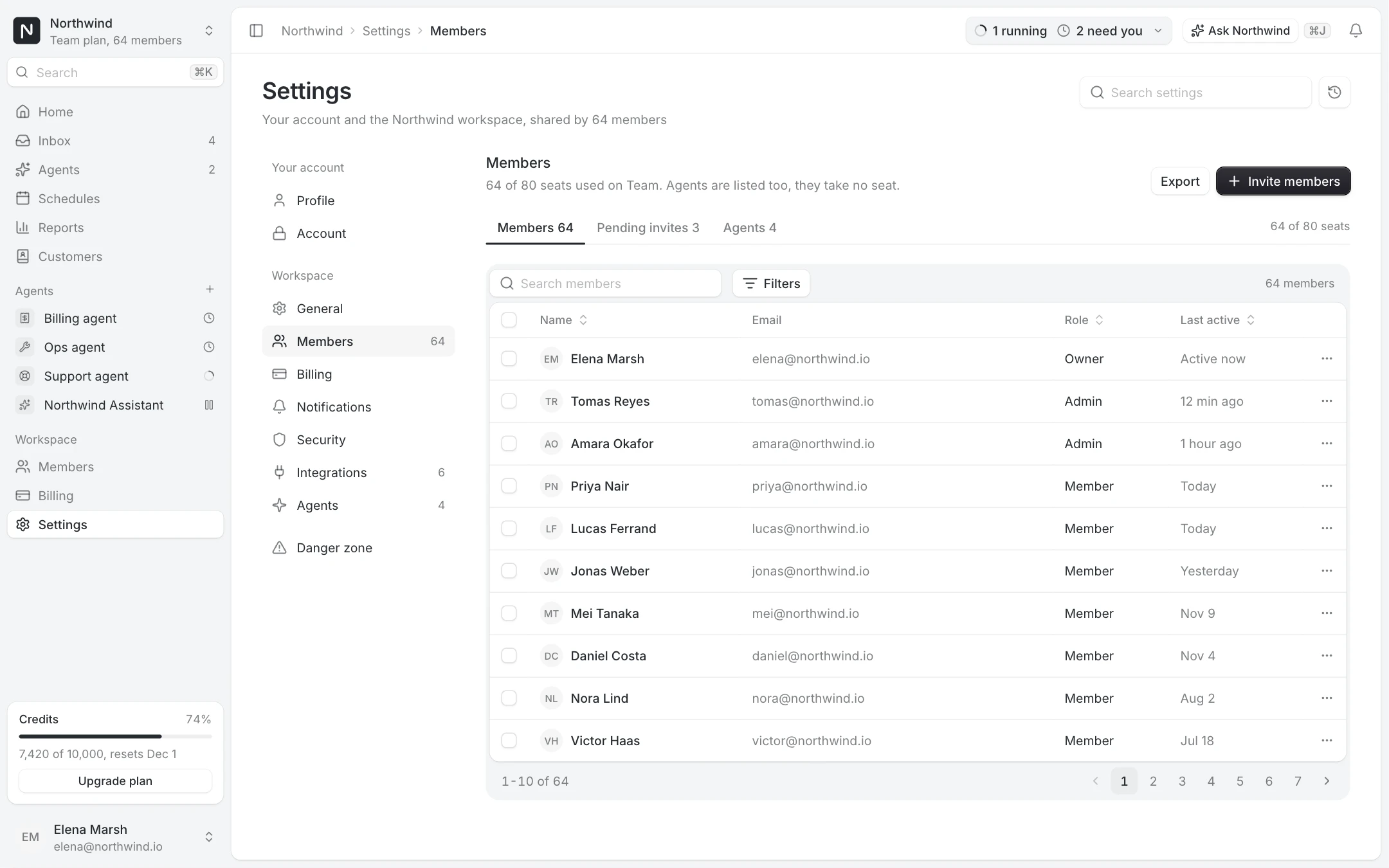
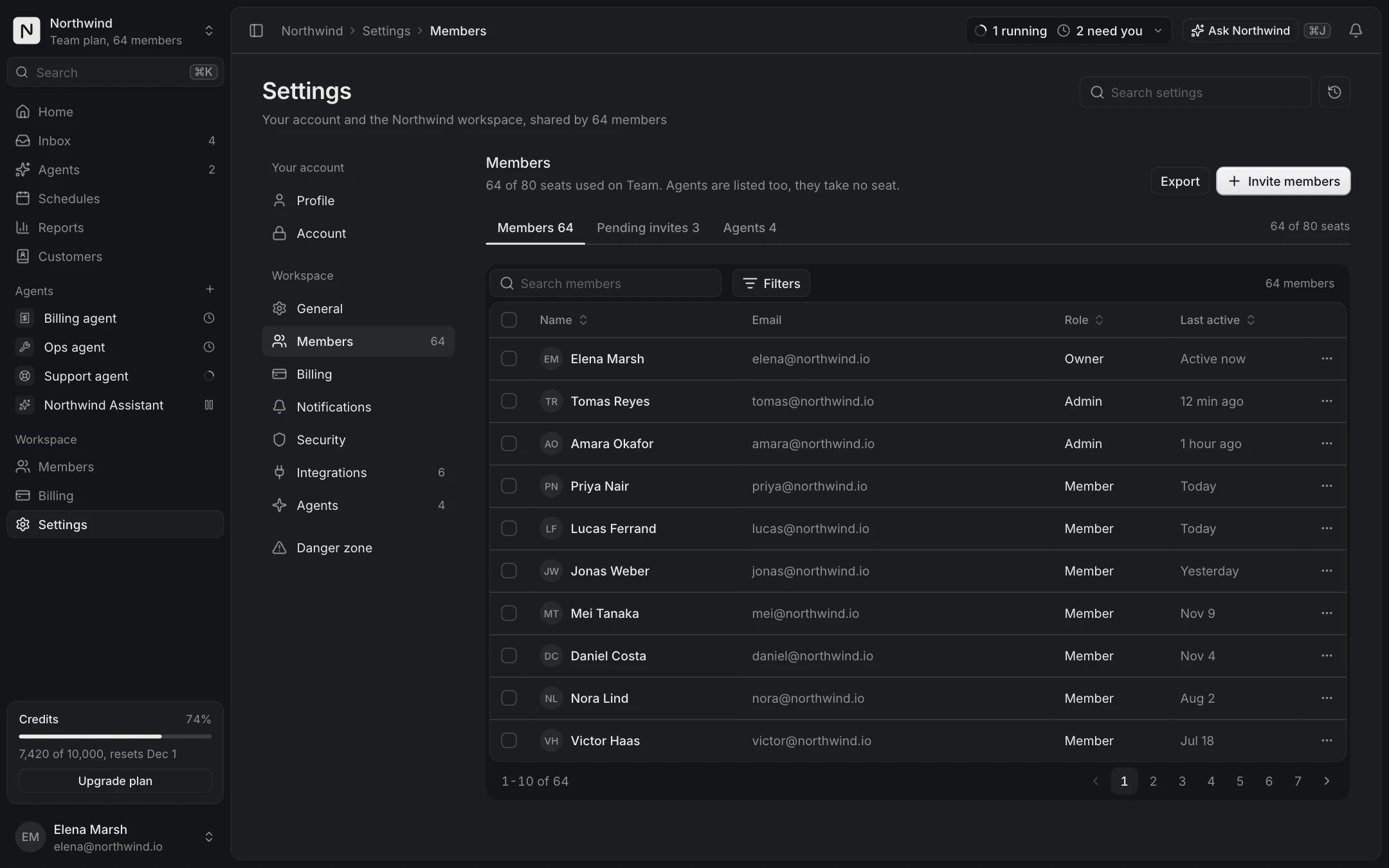
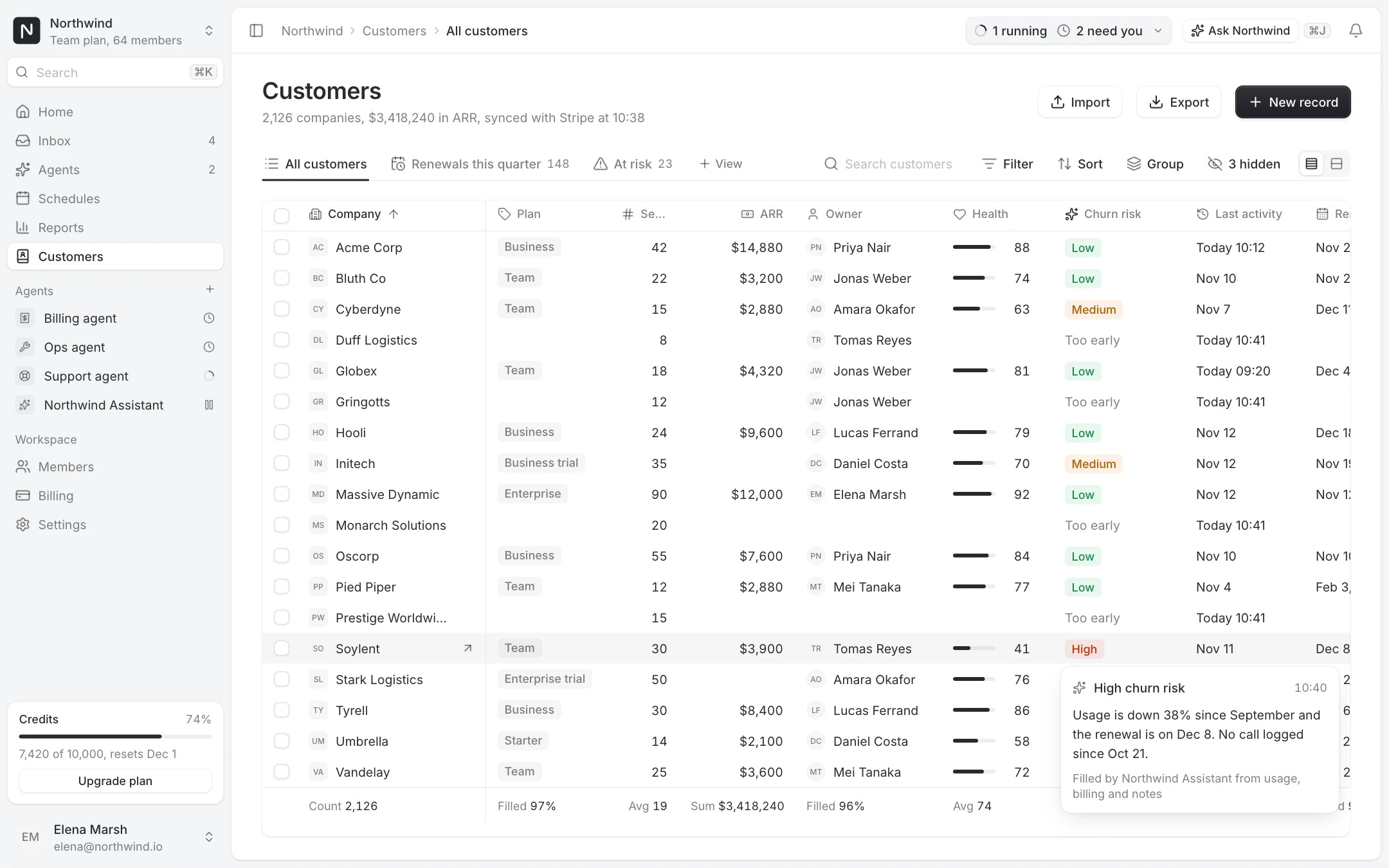
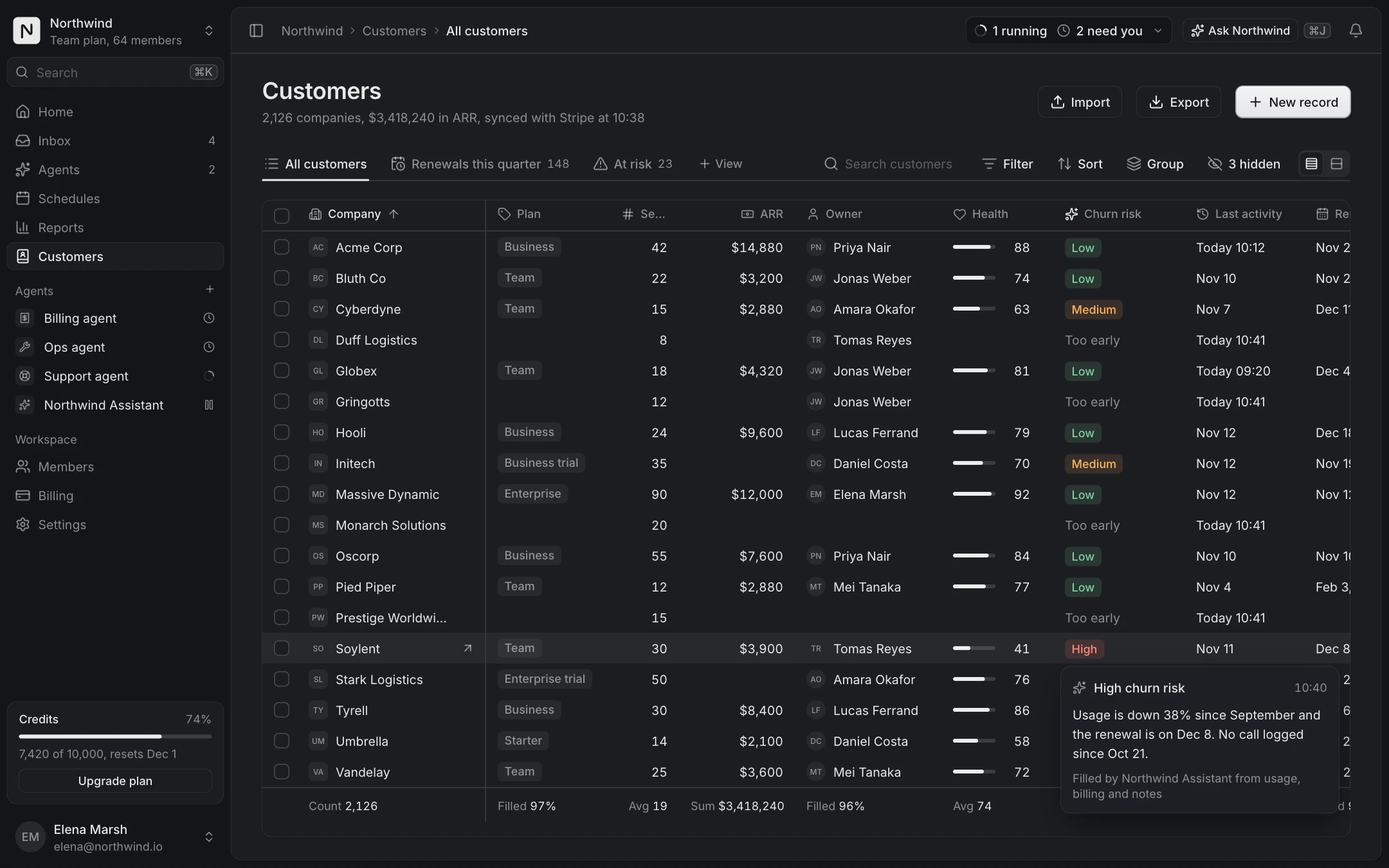
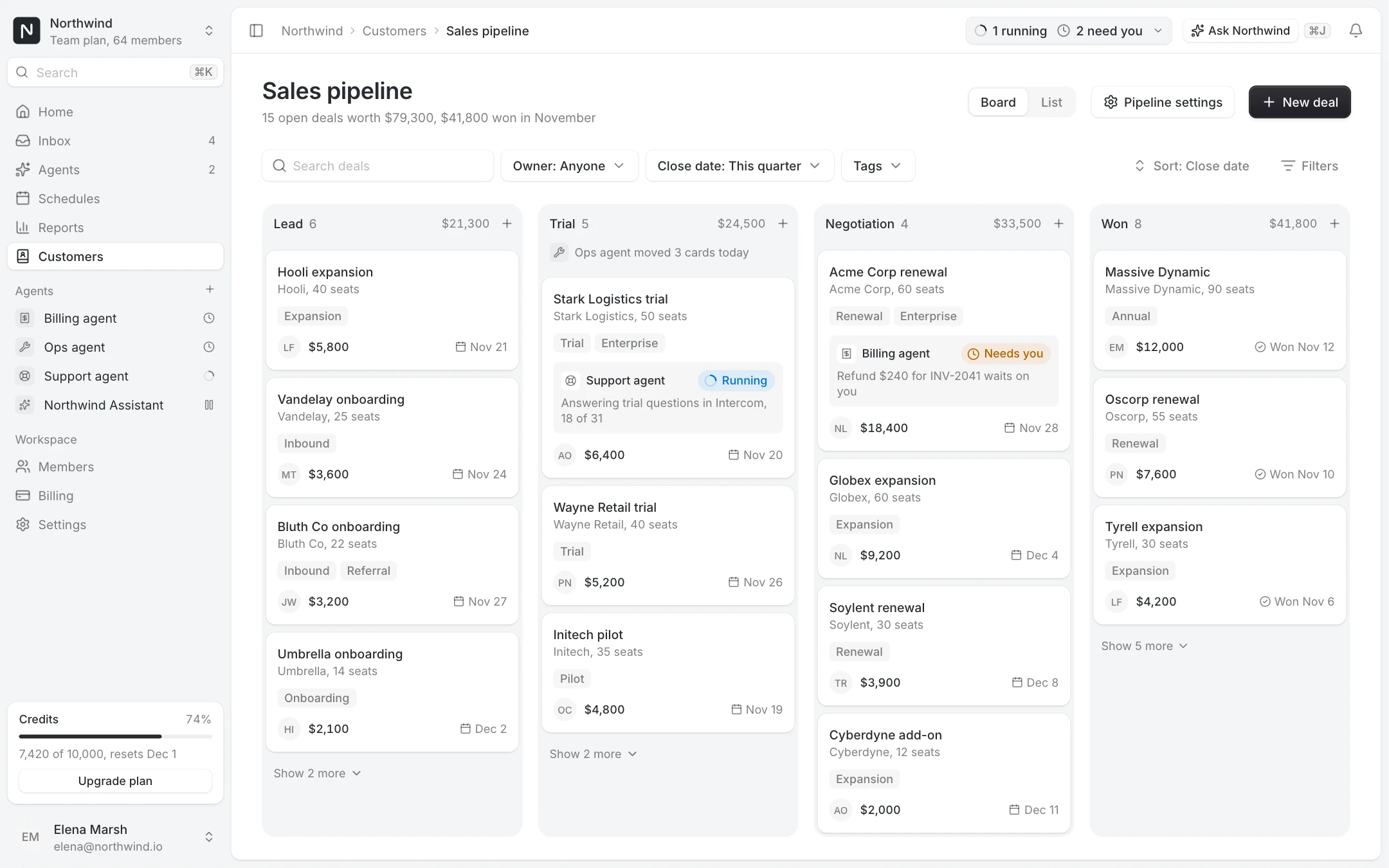
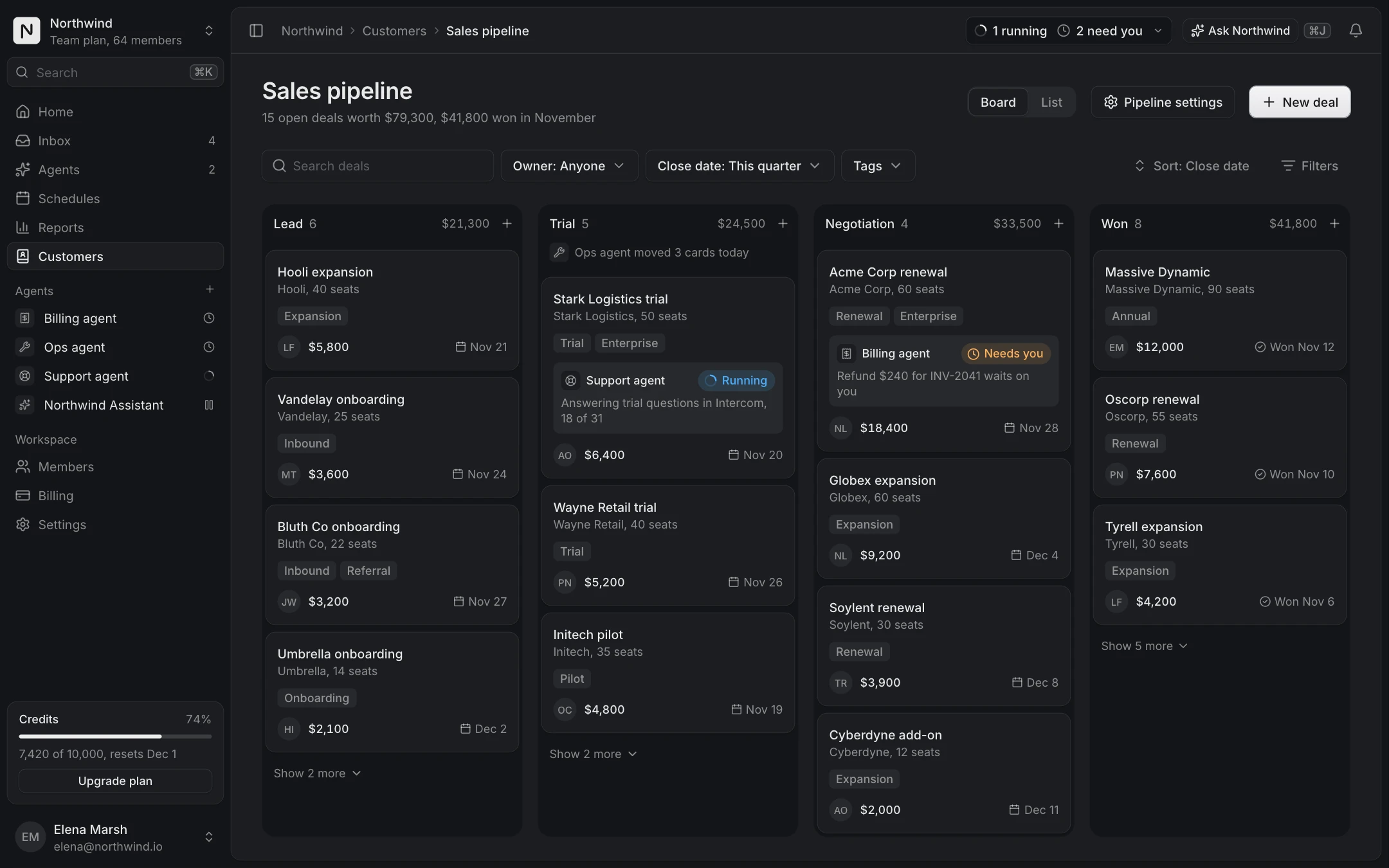
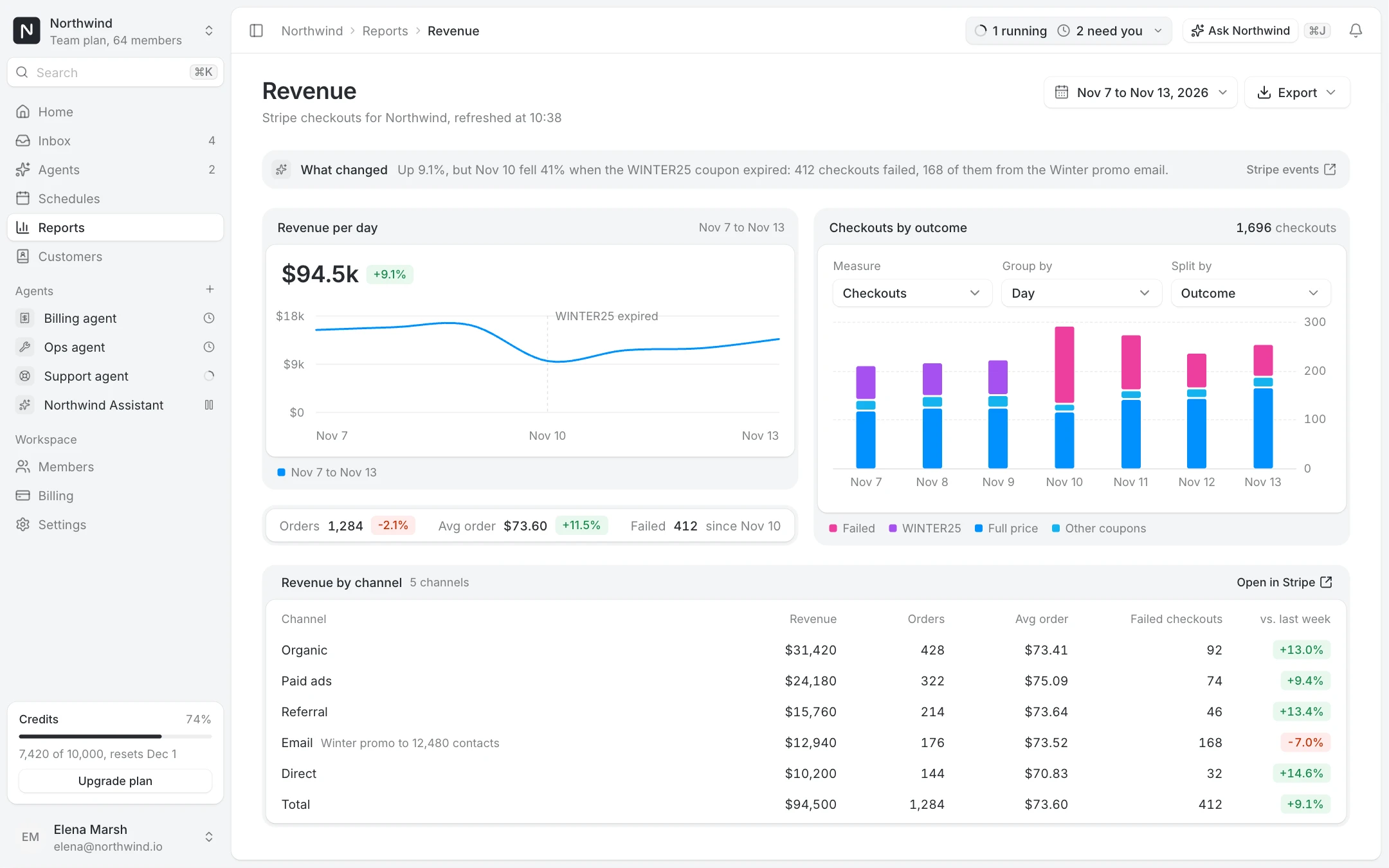
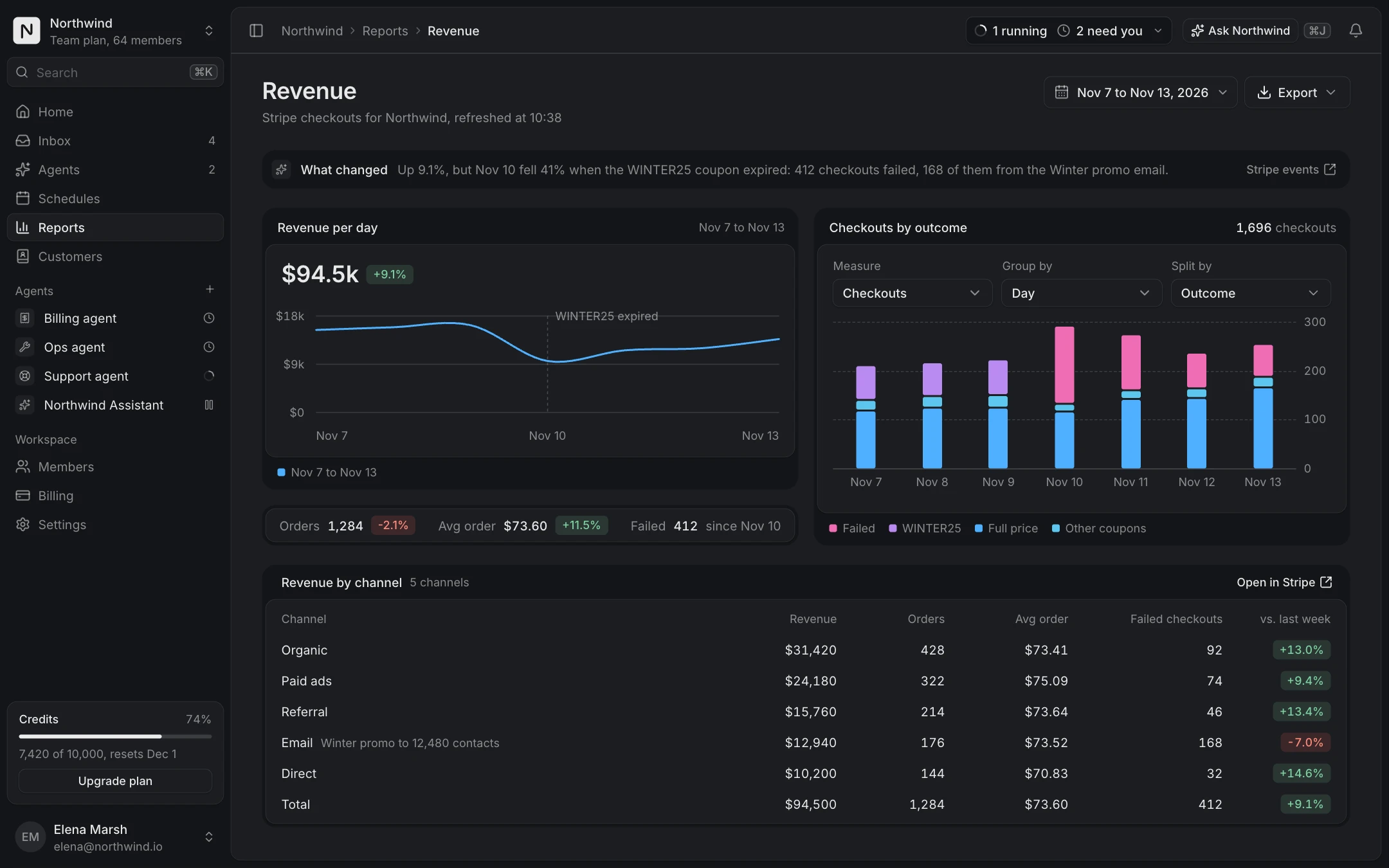
An admin dashboard is mostly one frame and many lists. The App shell screen gives you the frame: a sidebar with sections and counts, a top bar with the breadcrumb and search, a command menu on mod+K and the account menu. Every other screen here renders inside it, so they look like one product from the first install.
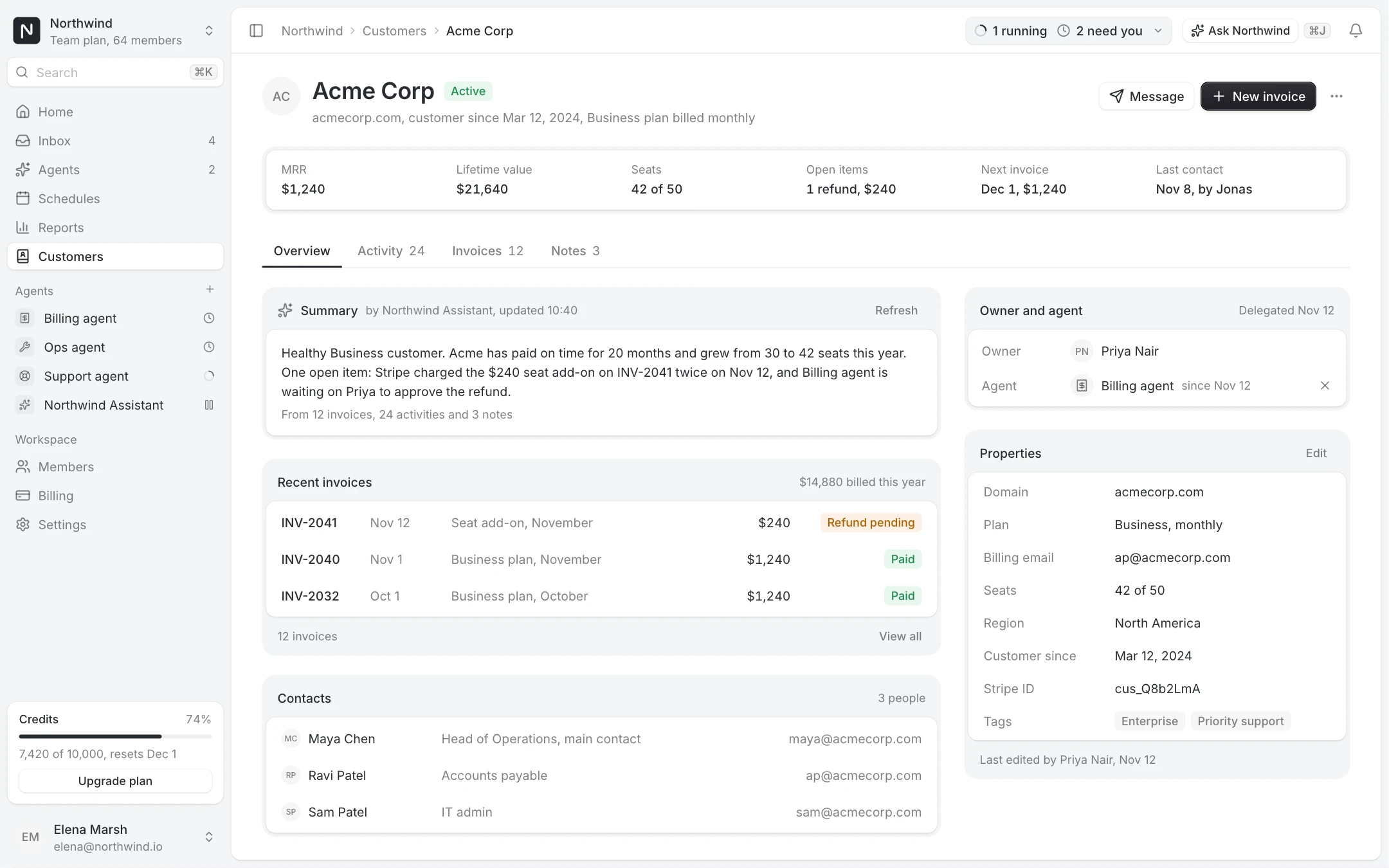
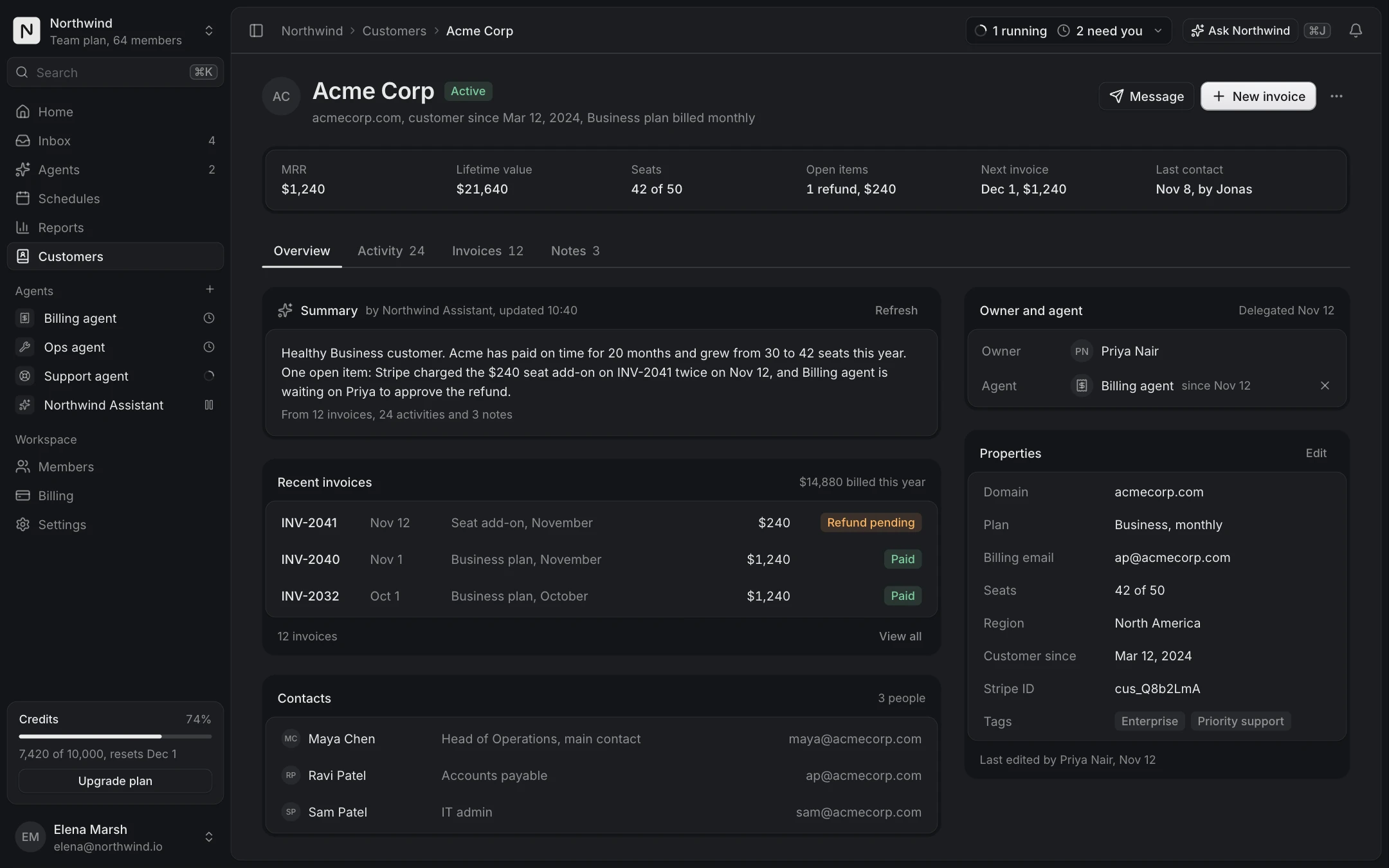
Then add the pages your users open every day. The Data table screen covers the main list of any resource: saved views, search, quick filters, selection, row actions and pagination. Record detail is the page behind a row. Database view is the dense grid for people who edit many records at once.
The pages admins look for
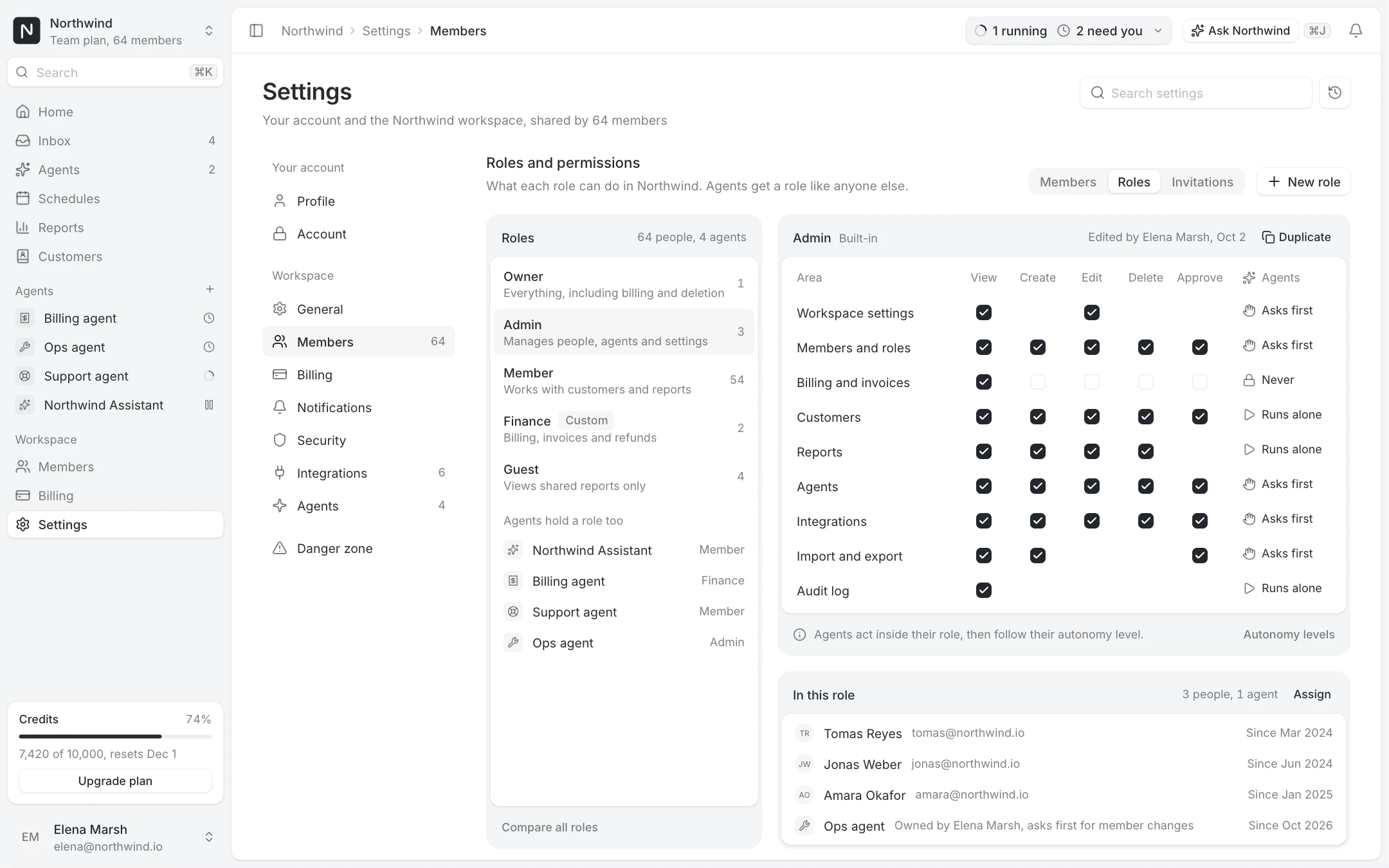
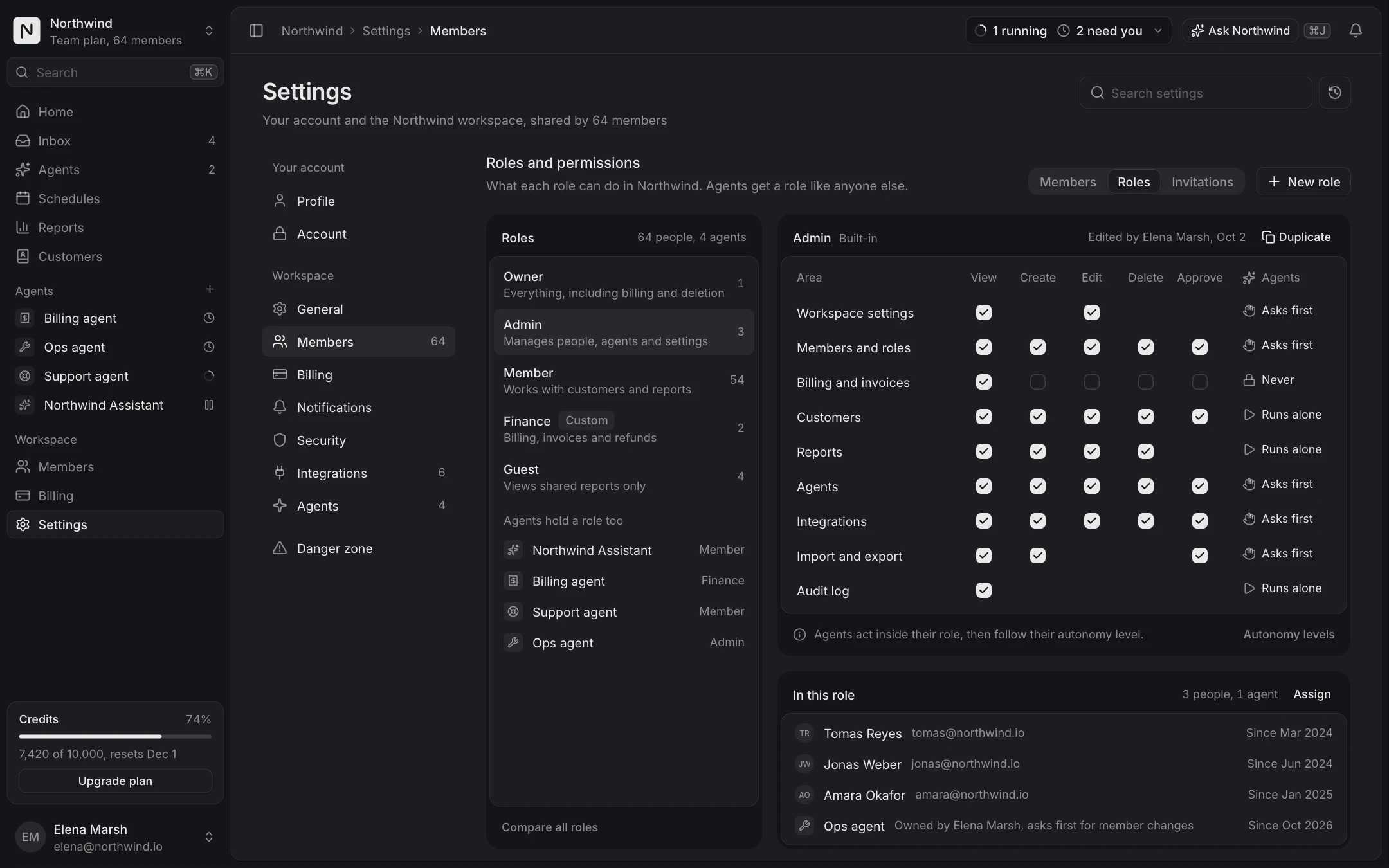
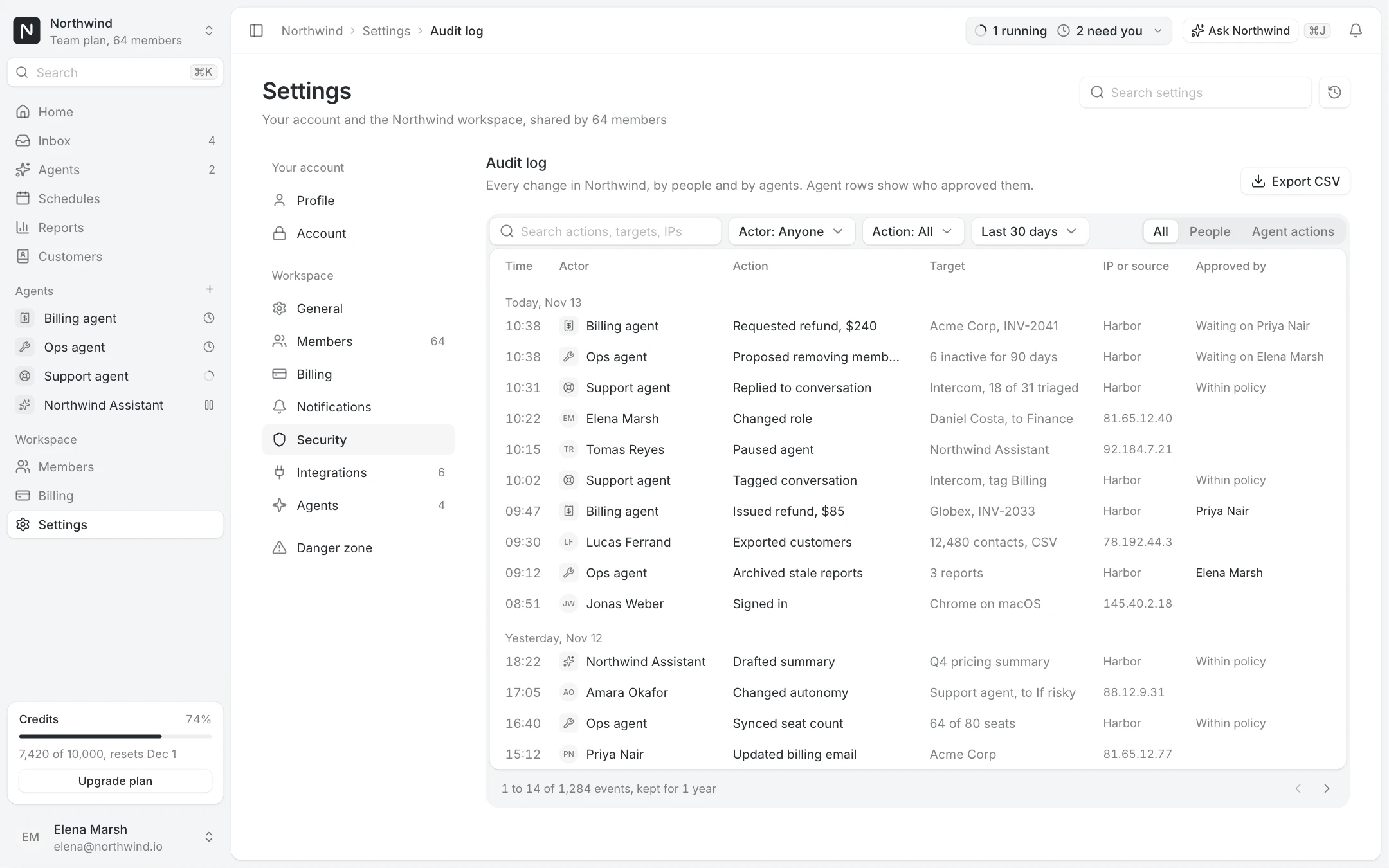
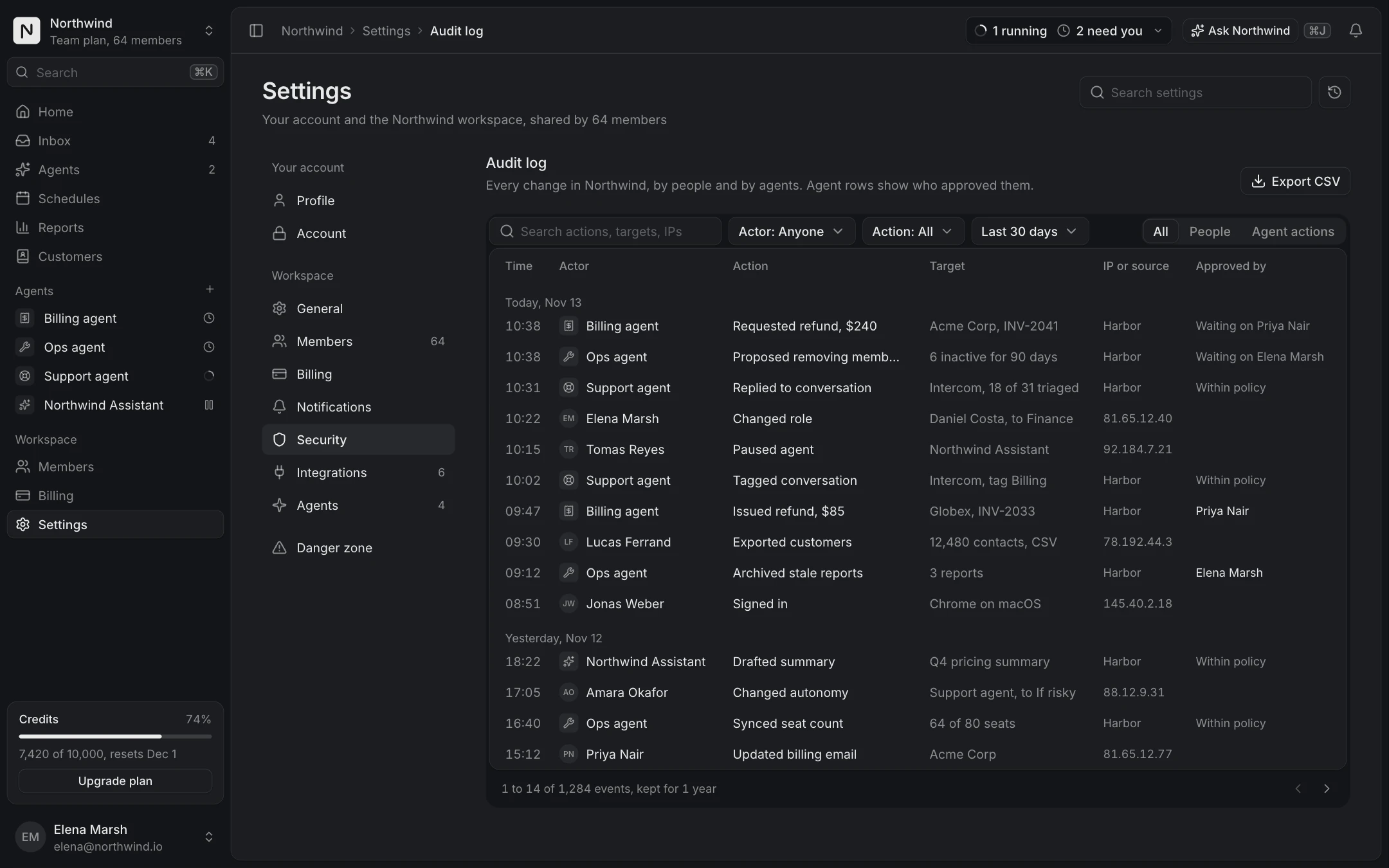
Members and roles are where a workspace admin spends time: the Members table with pending invites and bulk actions, and Roles and permissions with a matrix and a custom role editor. The Audit log answers who changed what, including the changes made by AI agents and who approved them.
These screens use realistic data from one fictional company, Northwind, so a stakeholder review looks like your product, not like a template.
What is free
The App shell, the Dashboard overview and the Data table screens are free with an account, along with the Sidebar, Table, Filter menu, Command menu and Date range picker components. The Sidebar is the App shell's navigation column on its own, for apps that already have their own top bar. Members, roles, audit log, record detail and the other admin screens come with Pro.