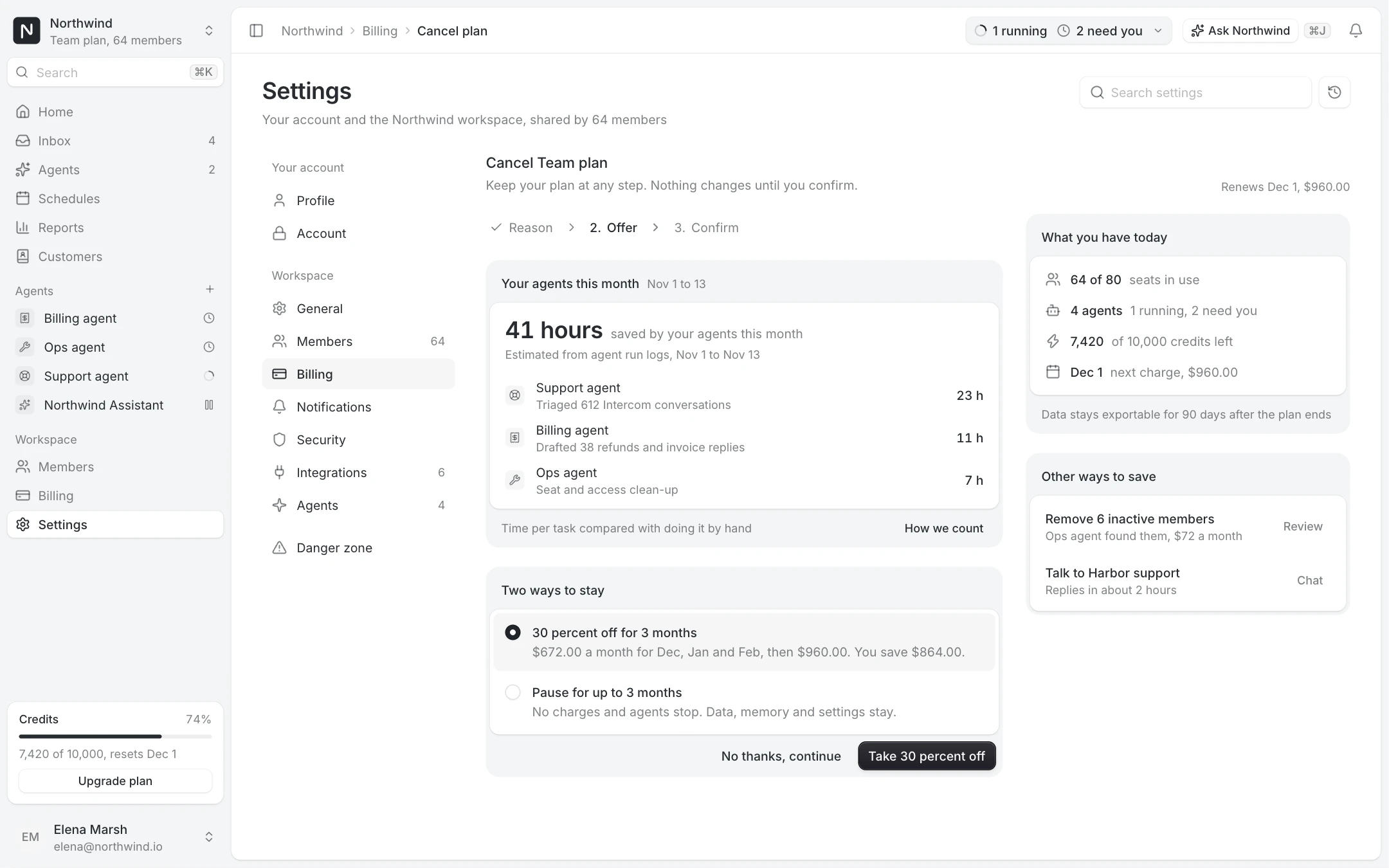
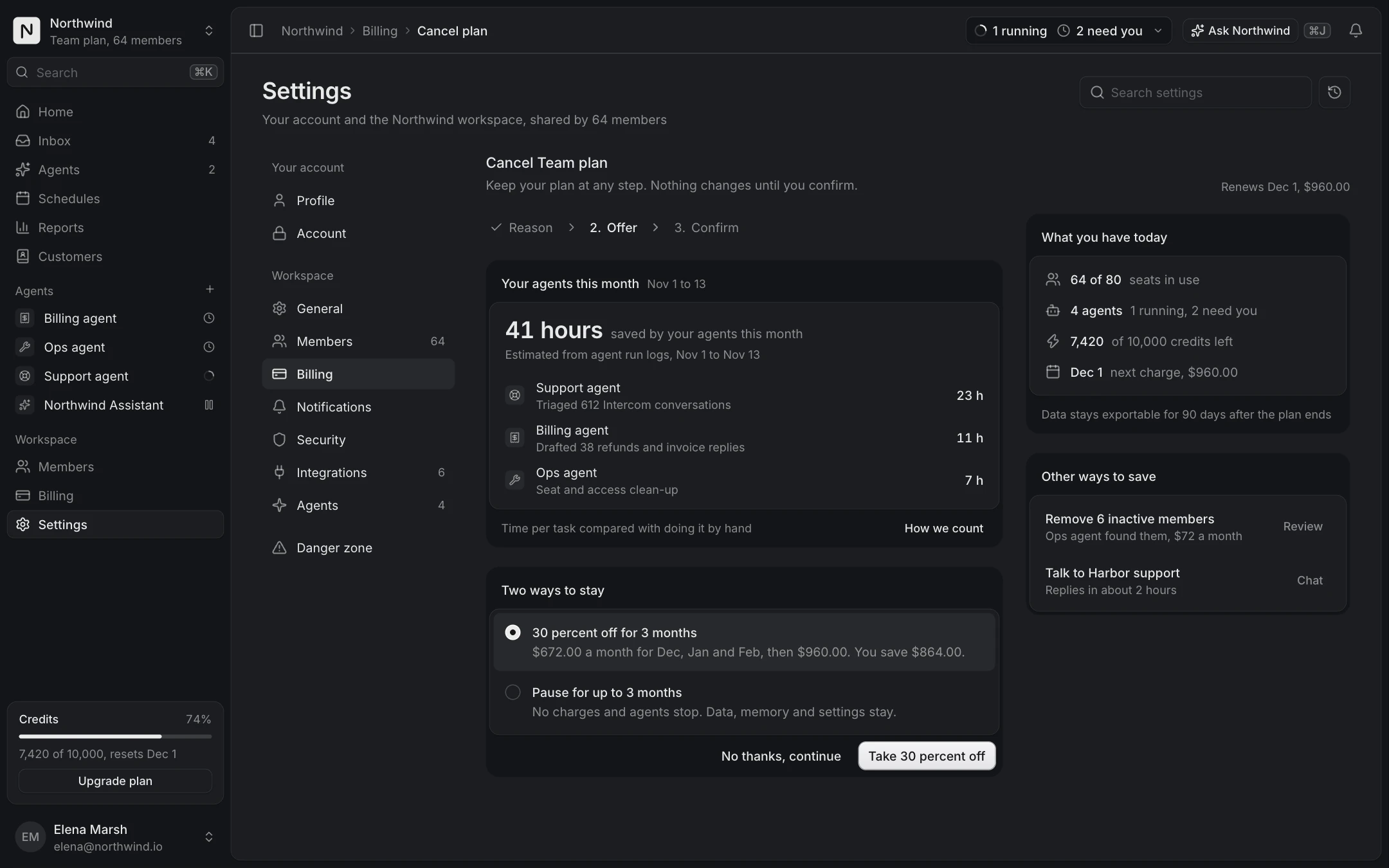
One settings frame for every page
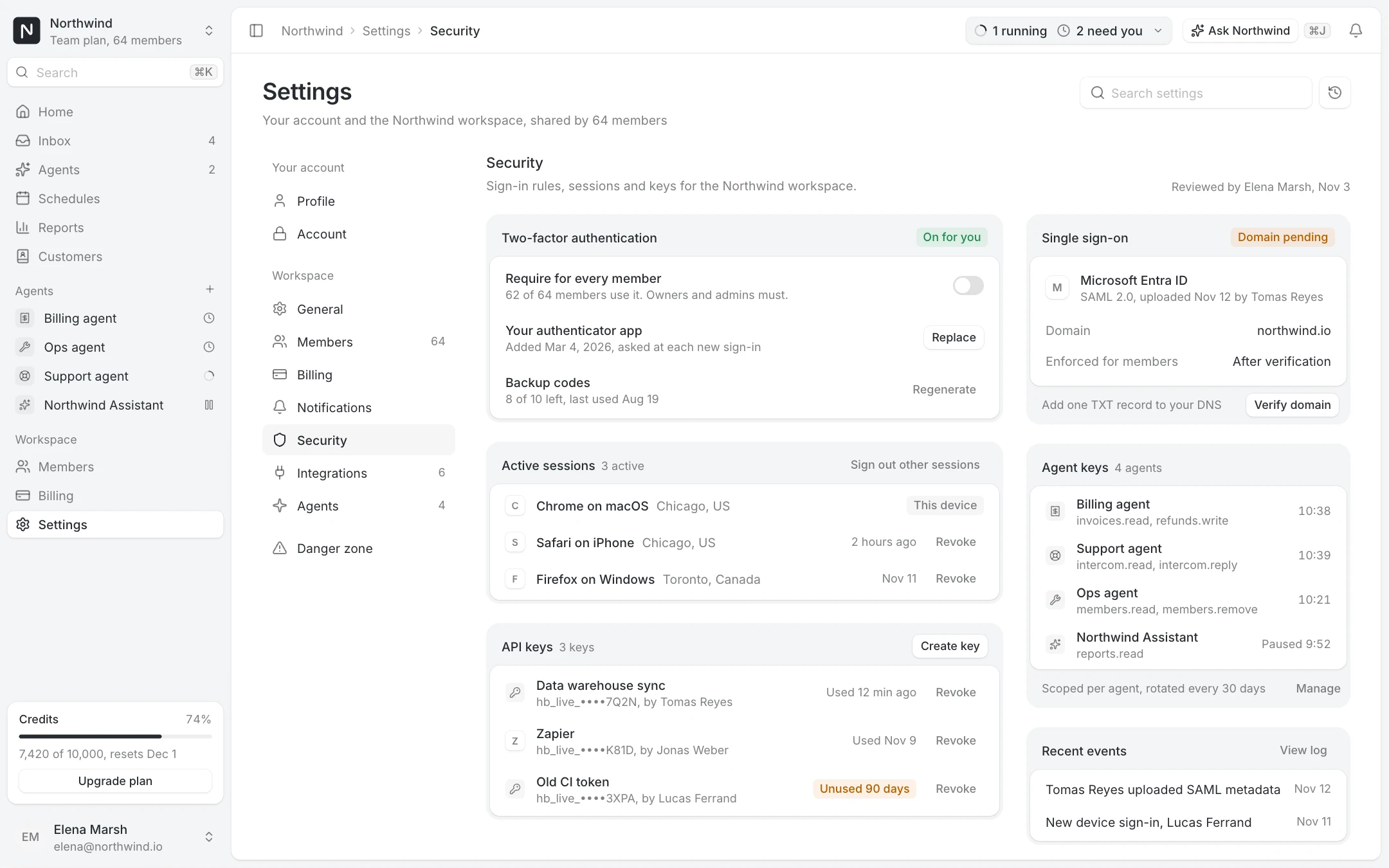
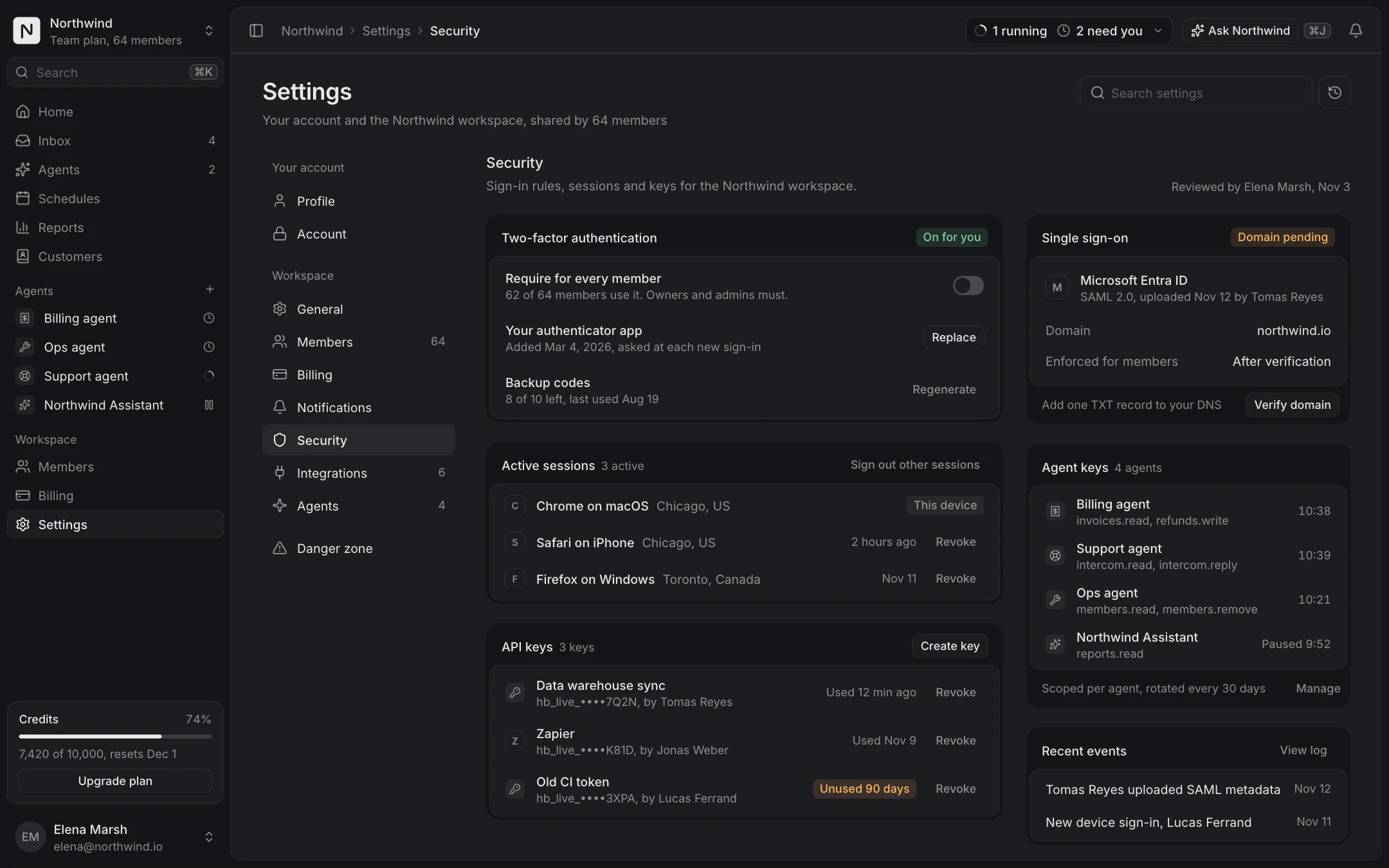
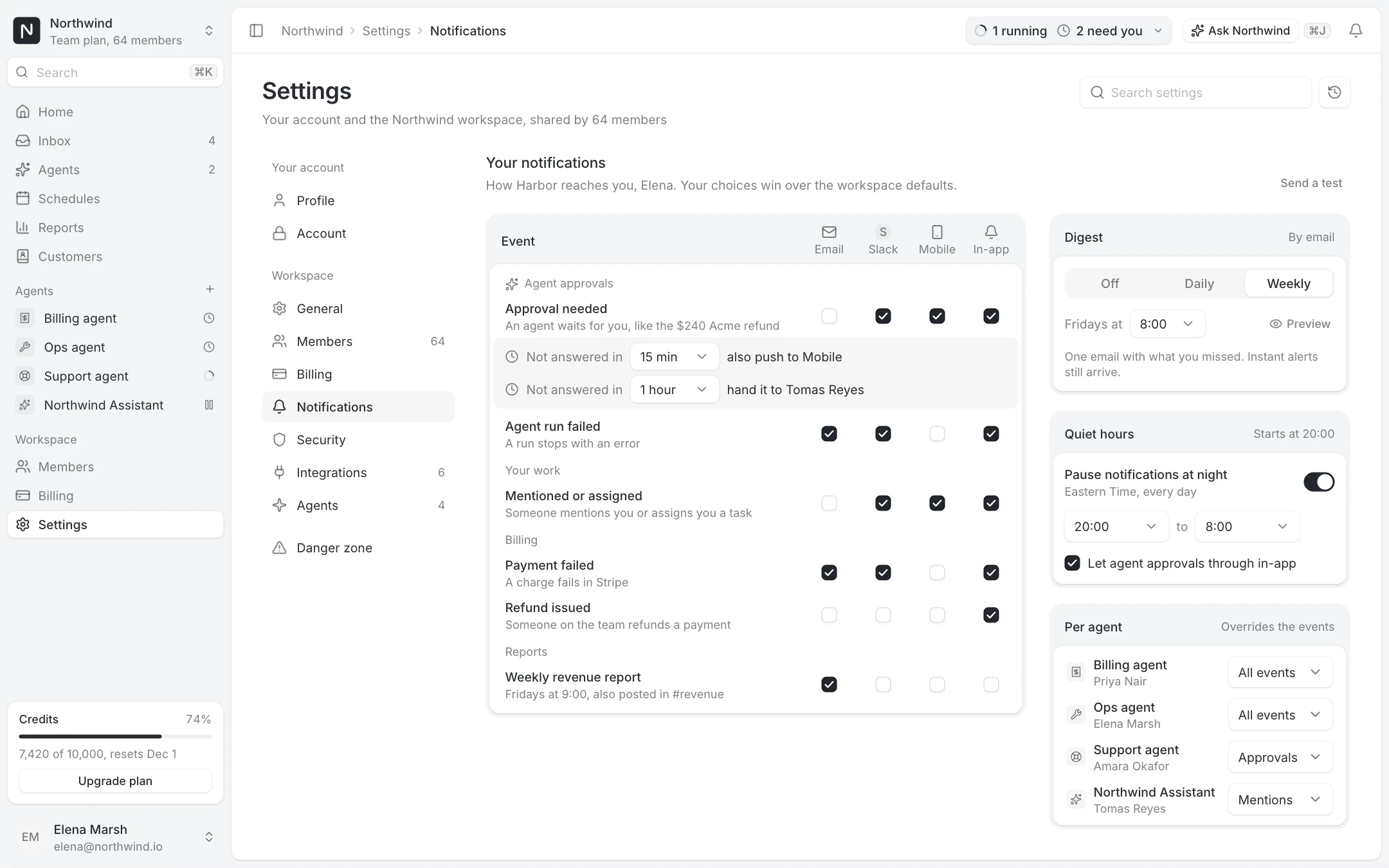
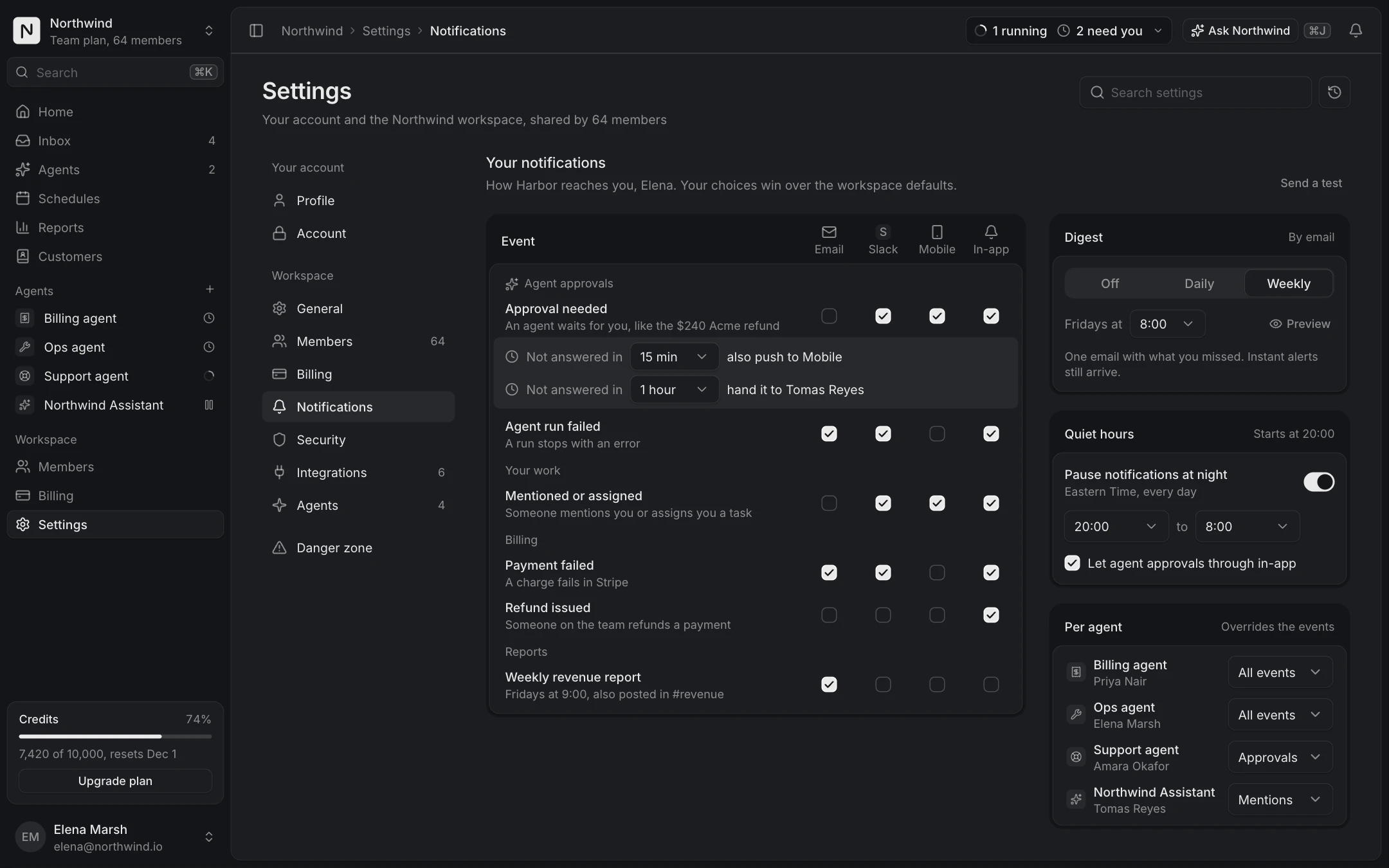
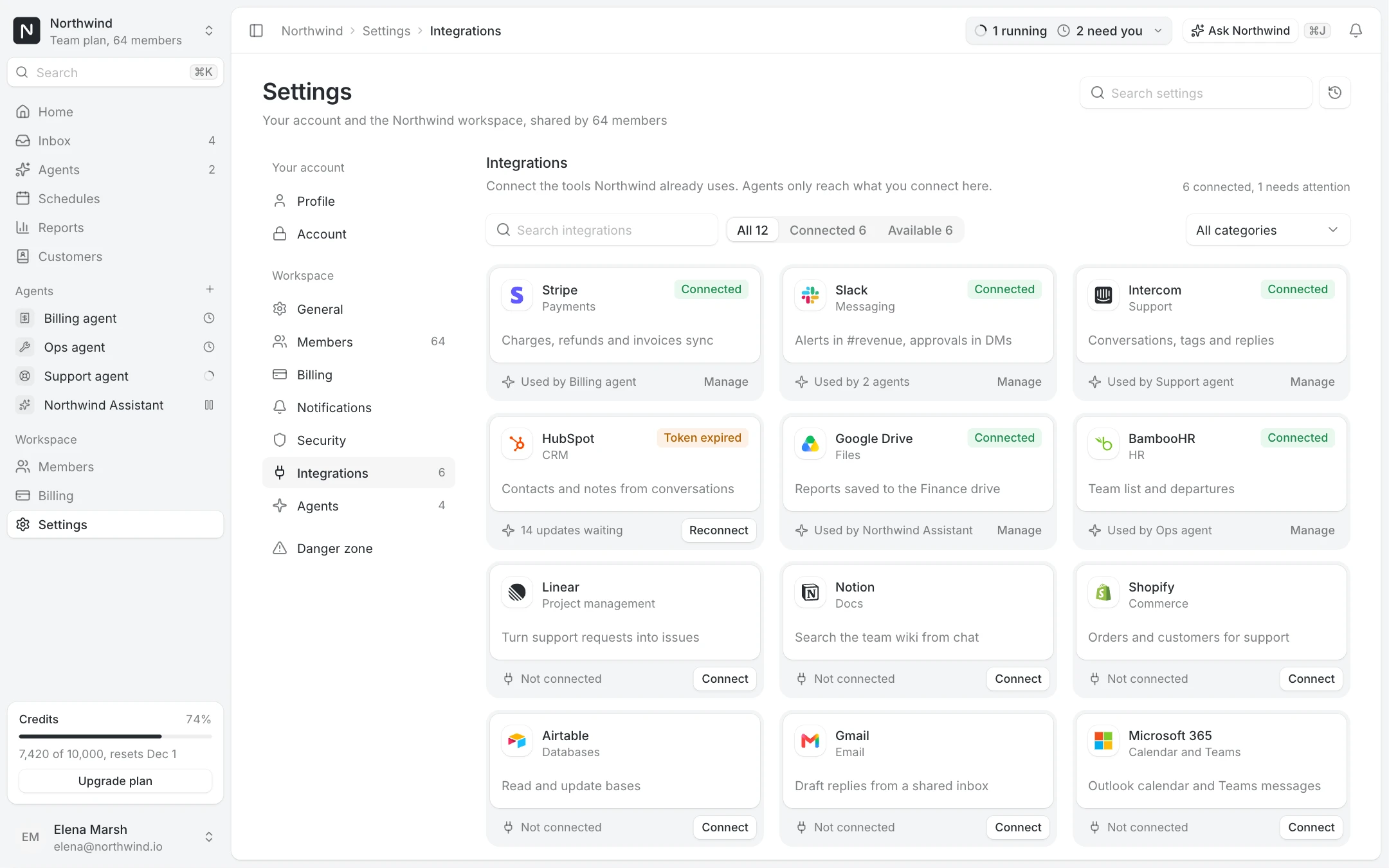
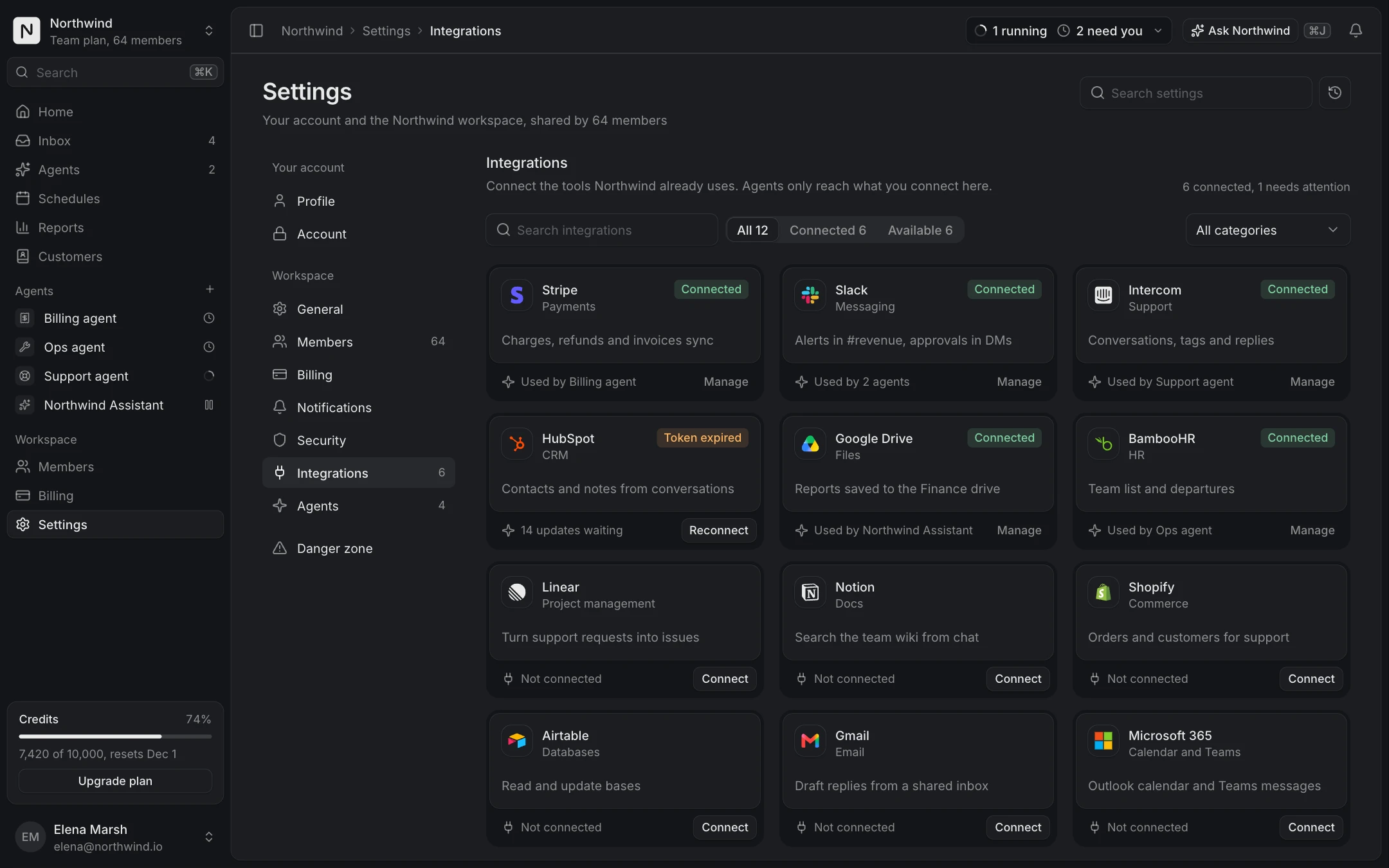
Settings pages go wrong when each one invents its own layout. The Settings layout screen fixes the frame: section navigation on the left, rows of label and control, and a floating save bar that appears only when something changed. Profile settings, Security, Notification preferences and Integrations all sit in that frame.
Destructive actions get their own page. Danger zone lists transfer ownership, export everything and delete the workspace, each with what happens next; deleting asks to type the workspace name first.
The billing journey, start to finish
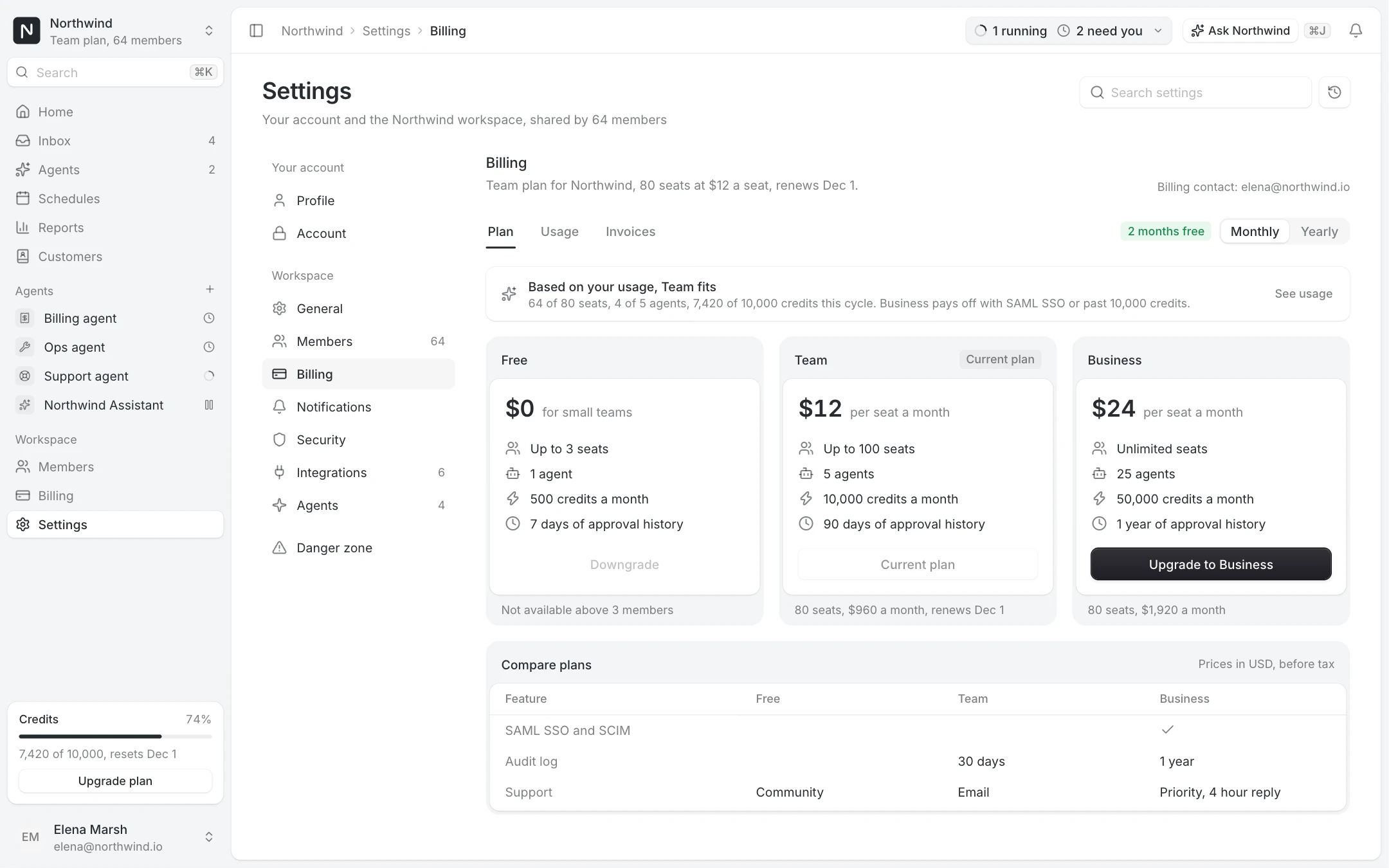
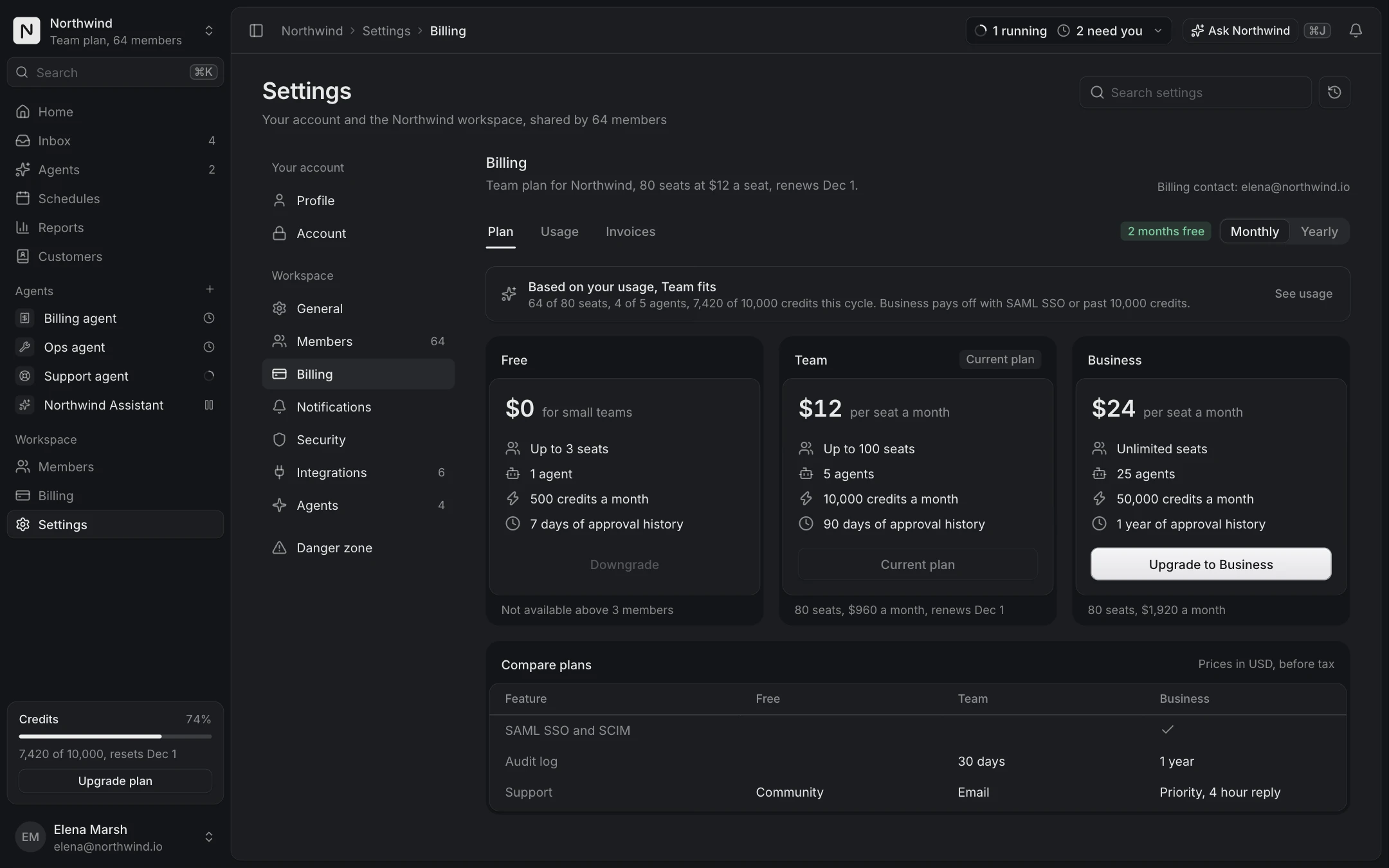
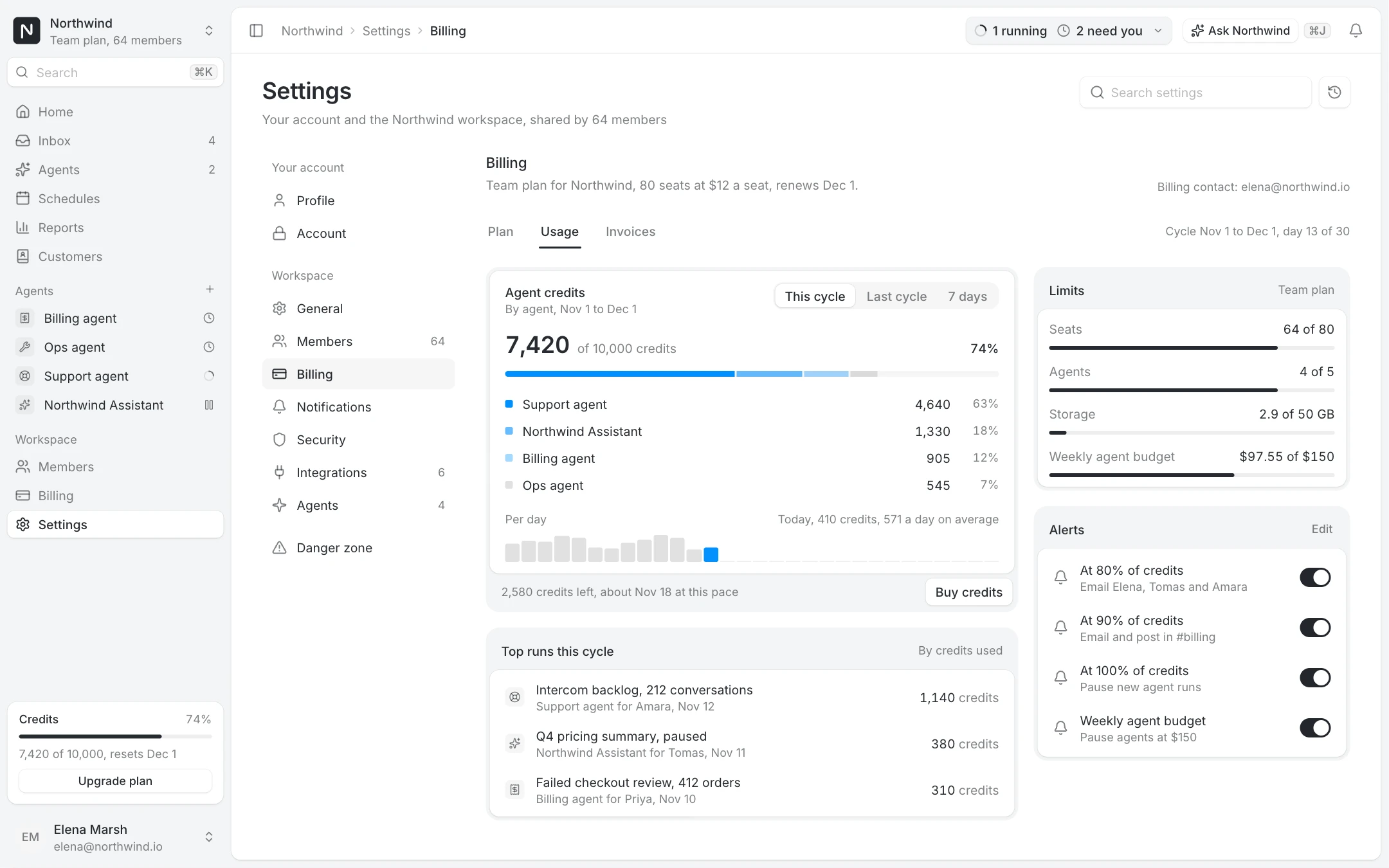
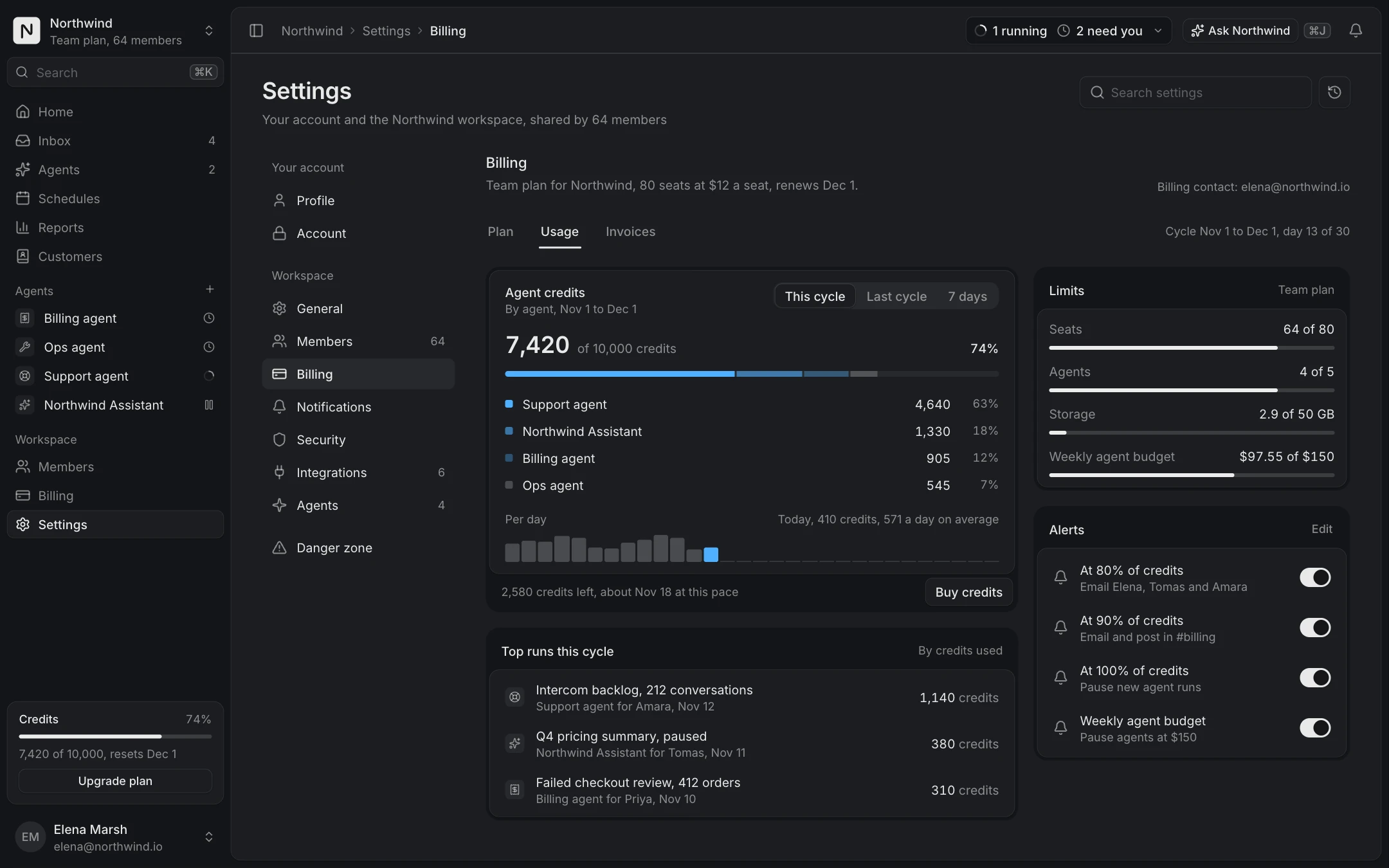
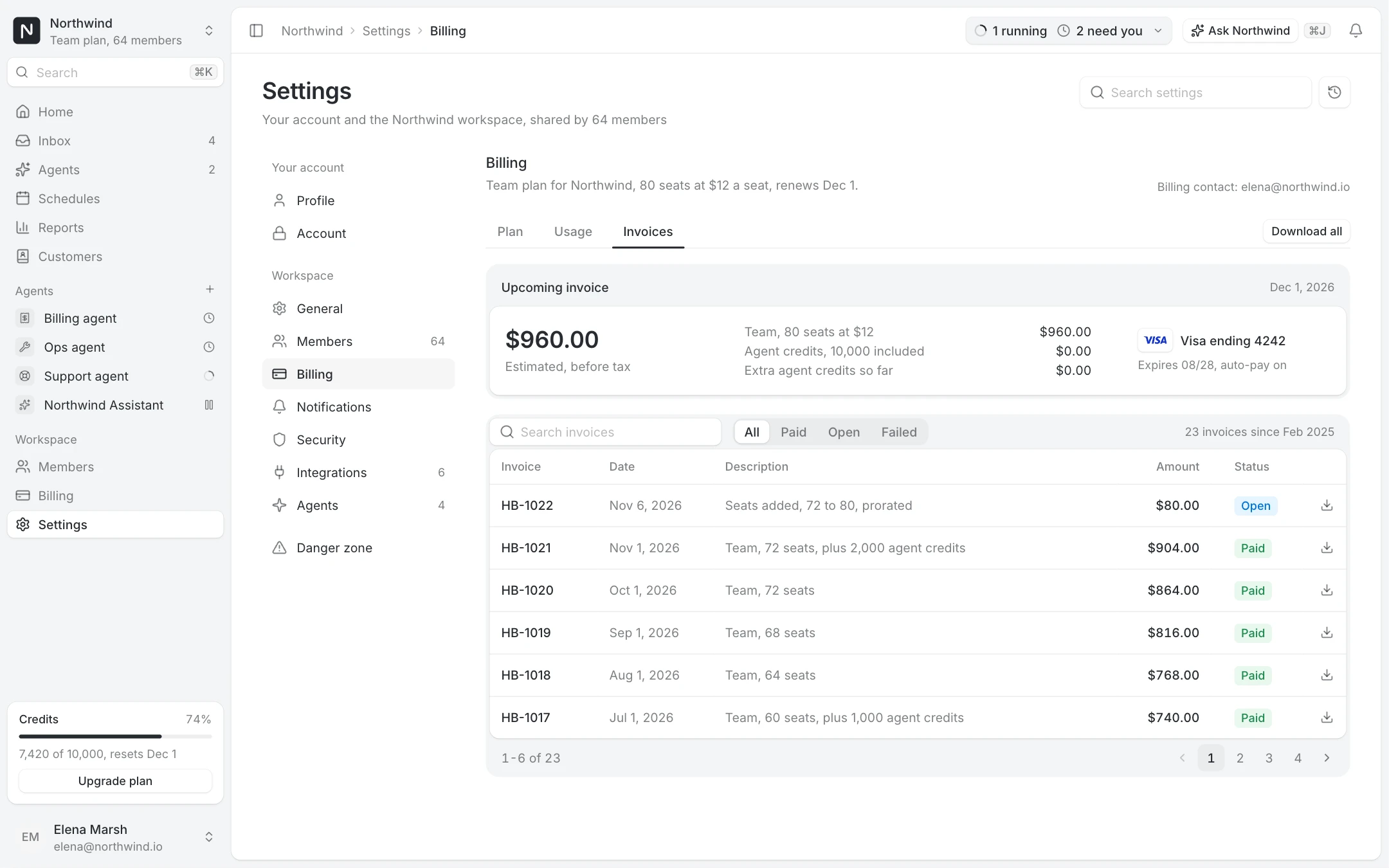
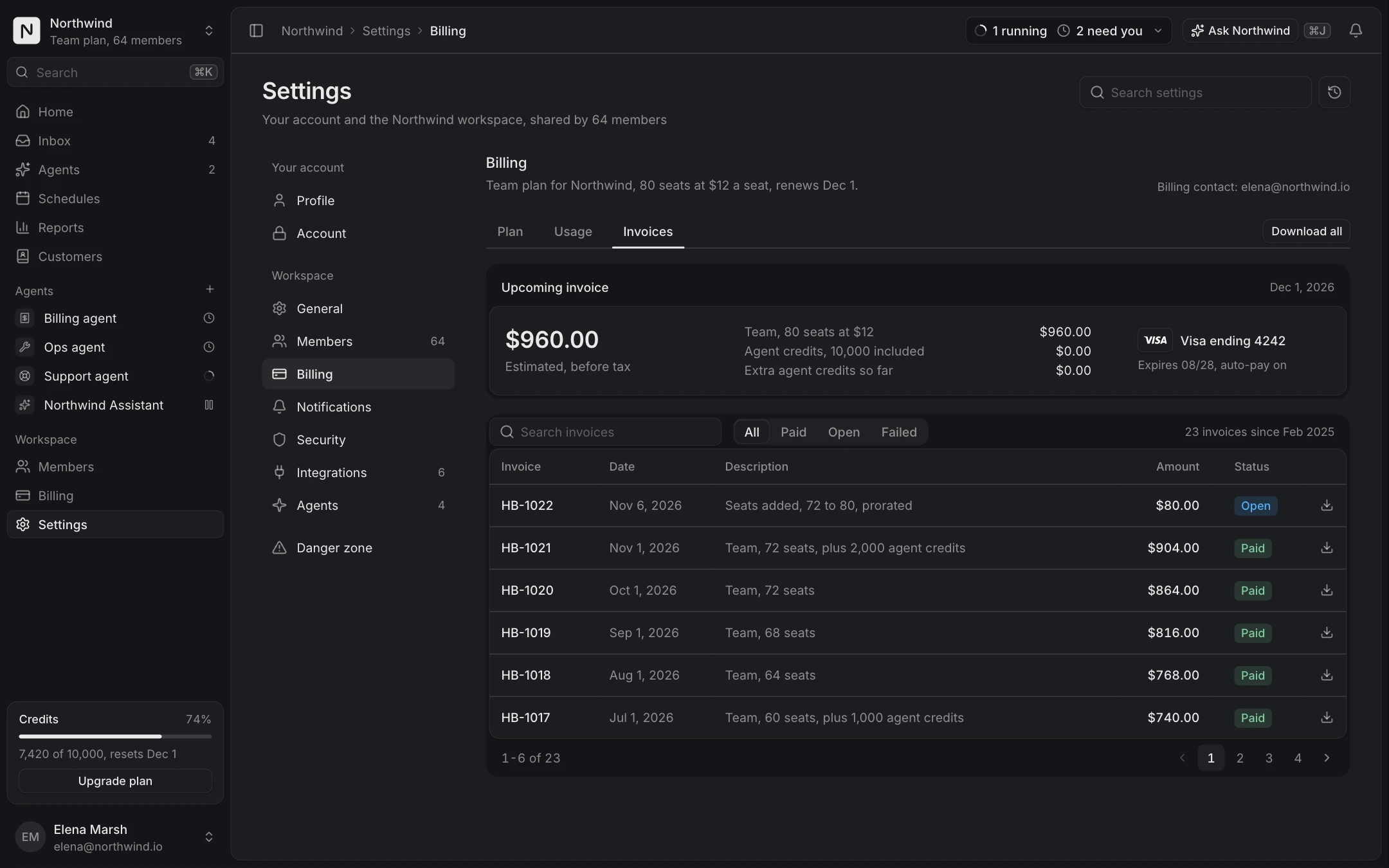
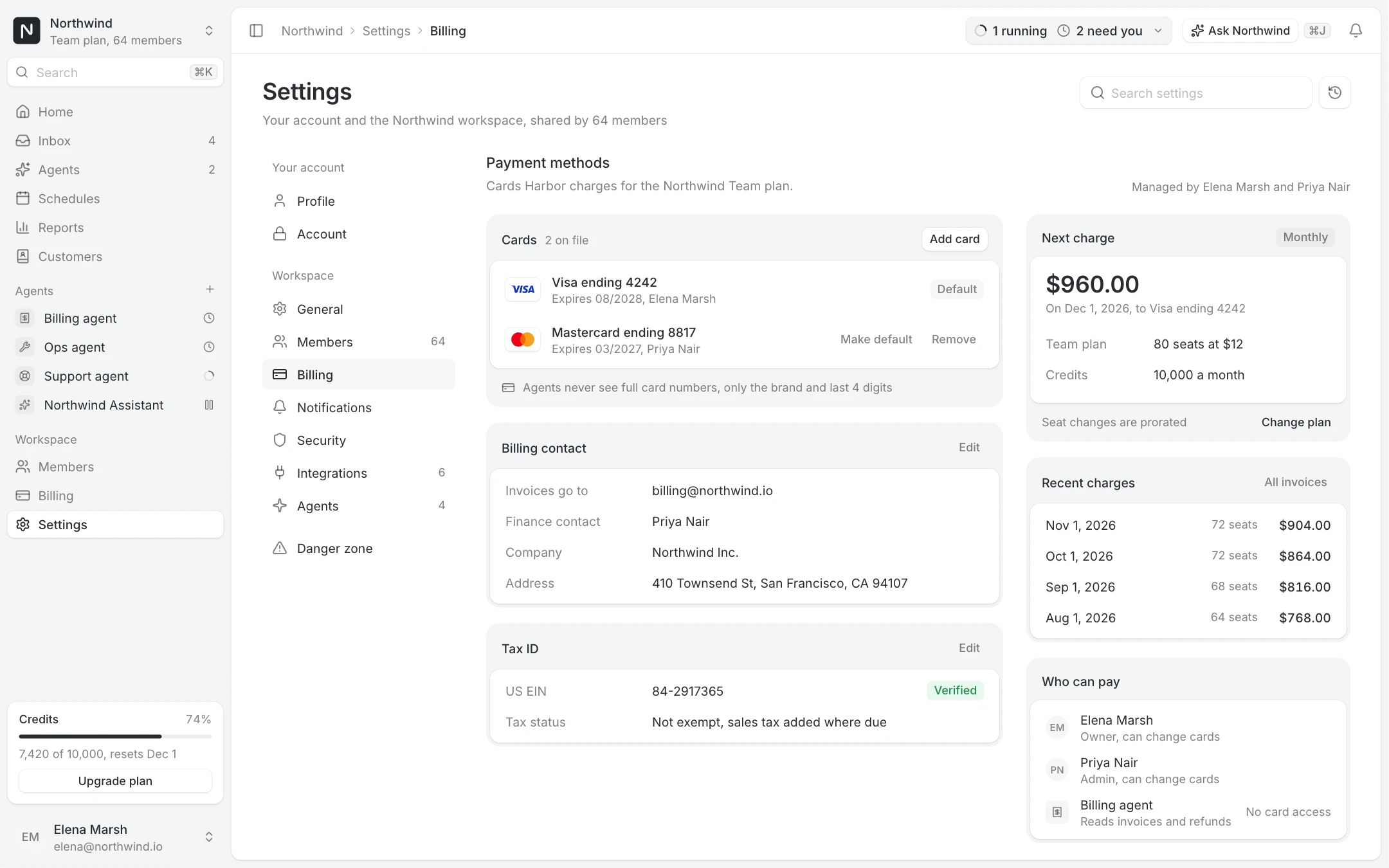
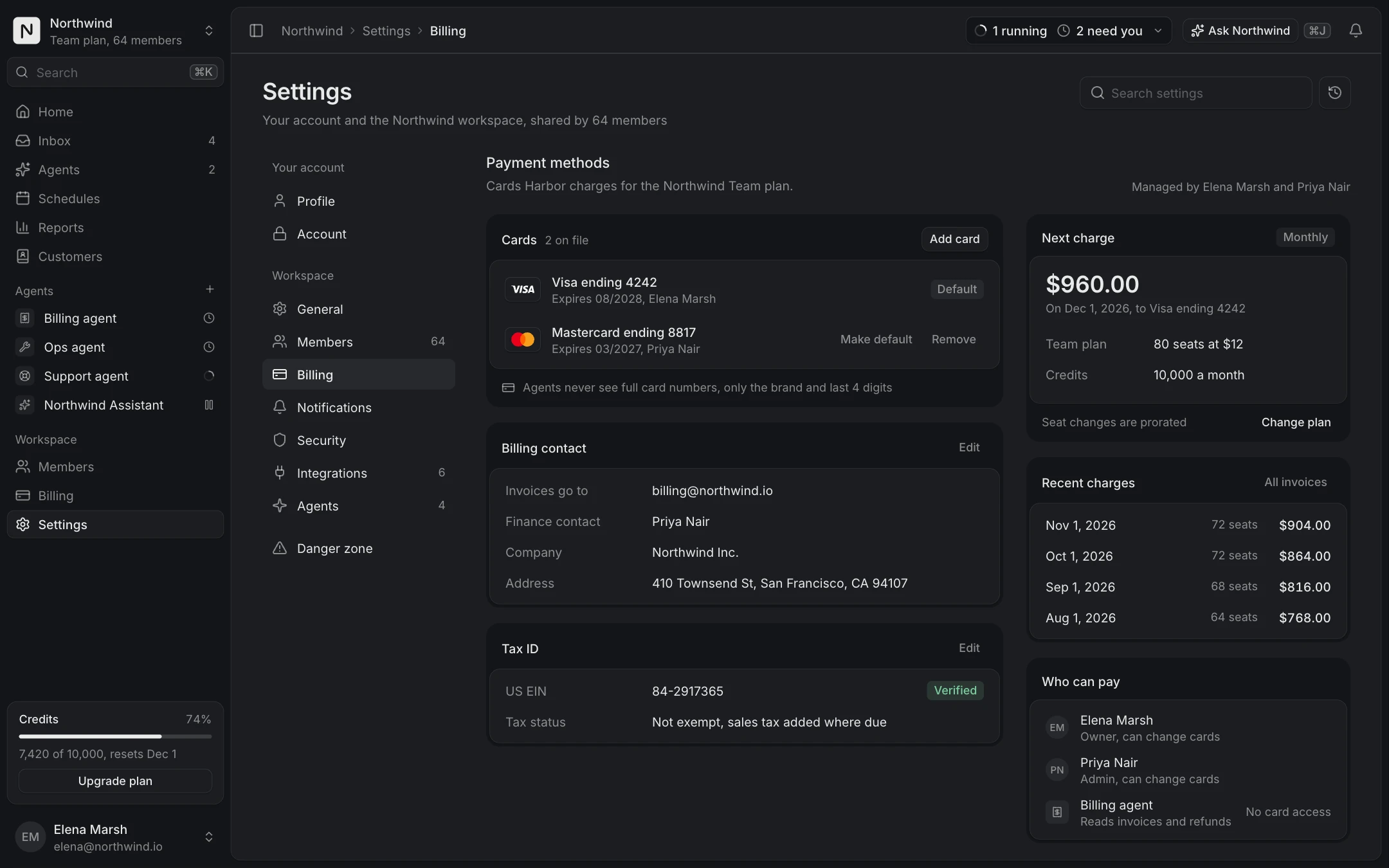
Billing is a sequence: compare plans, see usage against limits, pay, find an invoice, change the card, and sometimes leave. The Plan picker compares Free, Team and Business, monthly or yearly, and confirms the upgrade. Usage and limits shows credits, seats and storage with alerts before the limit. Invoice history and Payment methods cover the receipts and the card on file, including the failed payment state.
The Cancel flow asks for a reason, can make a retention offer, and states clearly what happens next. A calm cancel flow keeps the trust of people who might come back.
What is free
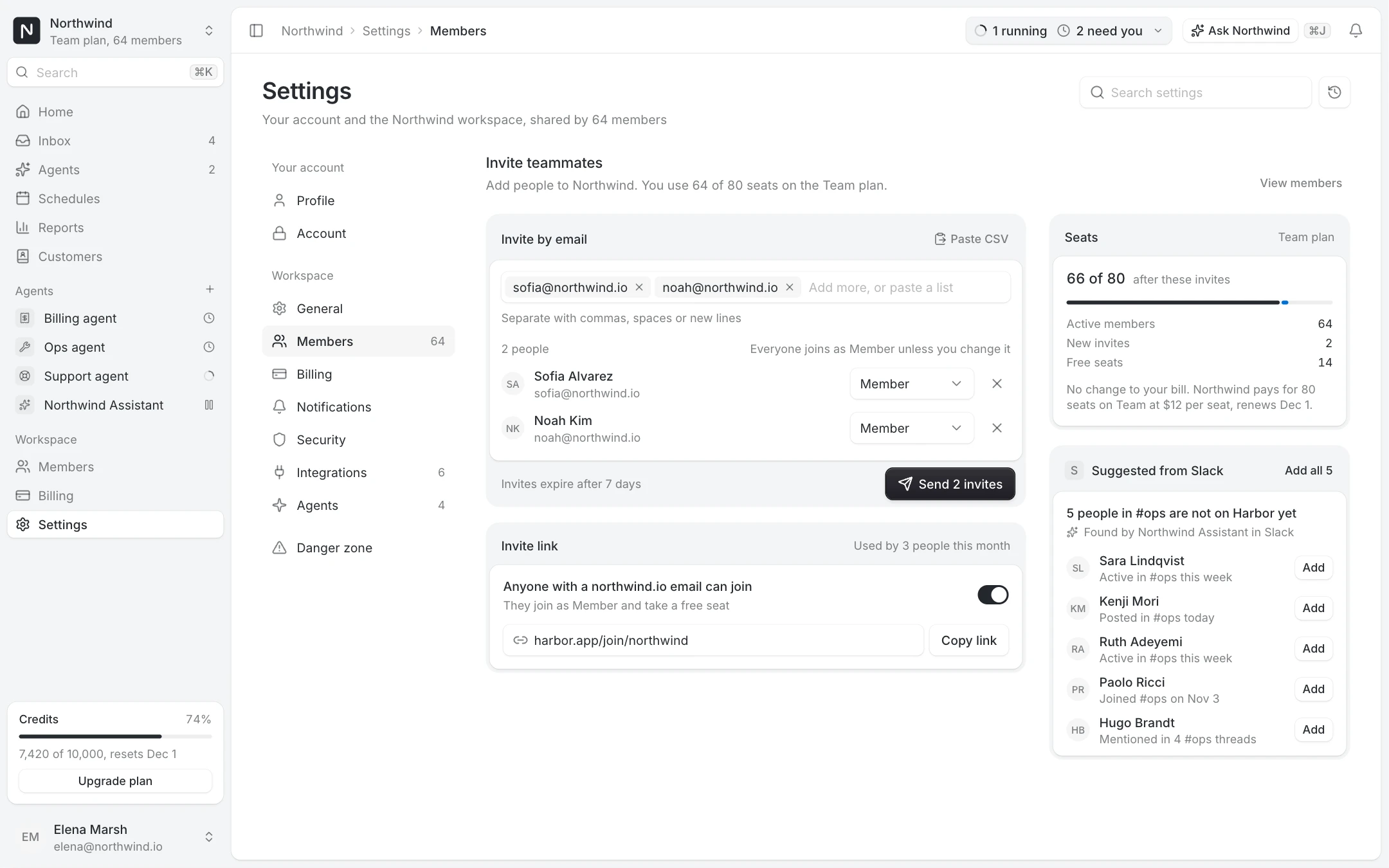
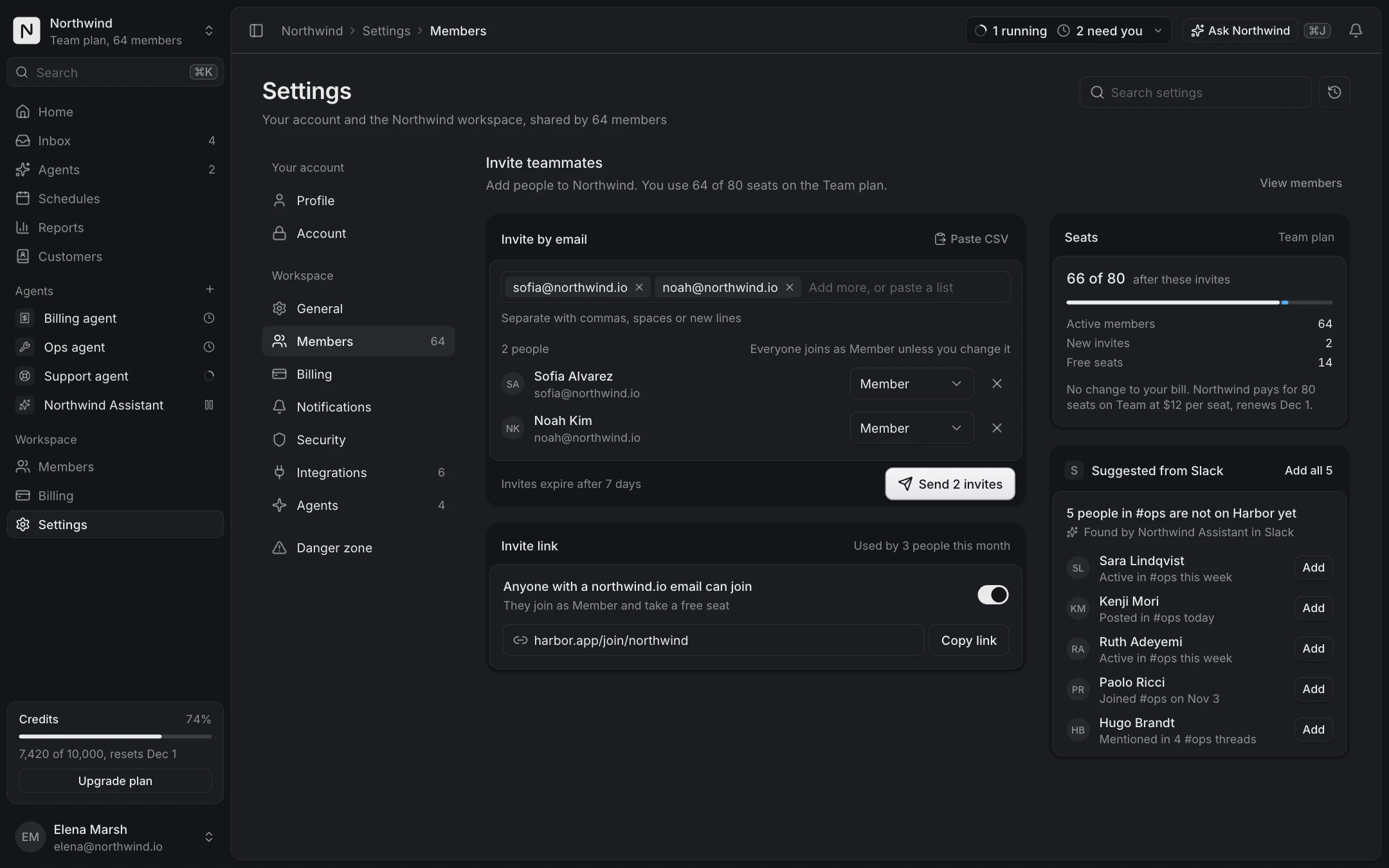
The Settings layout, Profile settings and Danger zone screens are free with an account, with the Switch, Field and Usage meter components. The billing screens, security, notifications, integrations and invites come with Pro.